
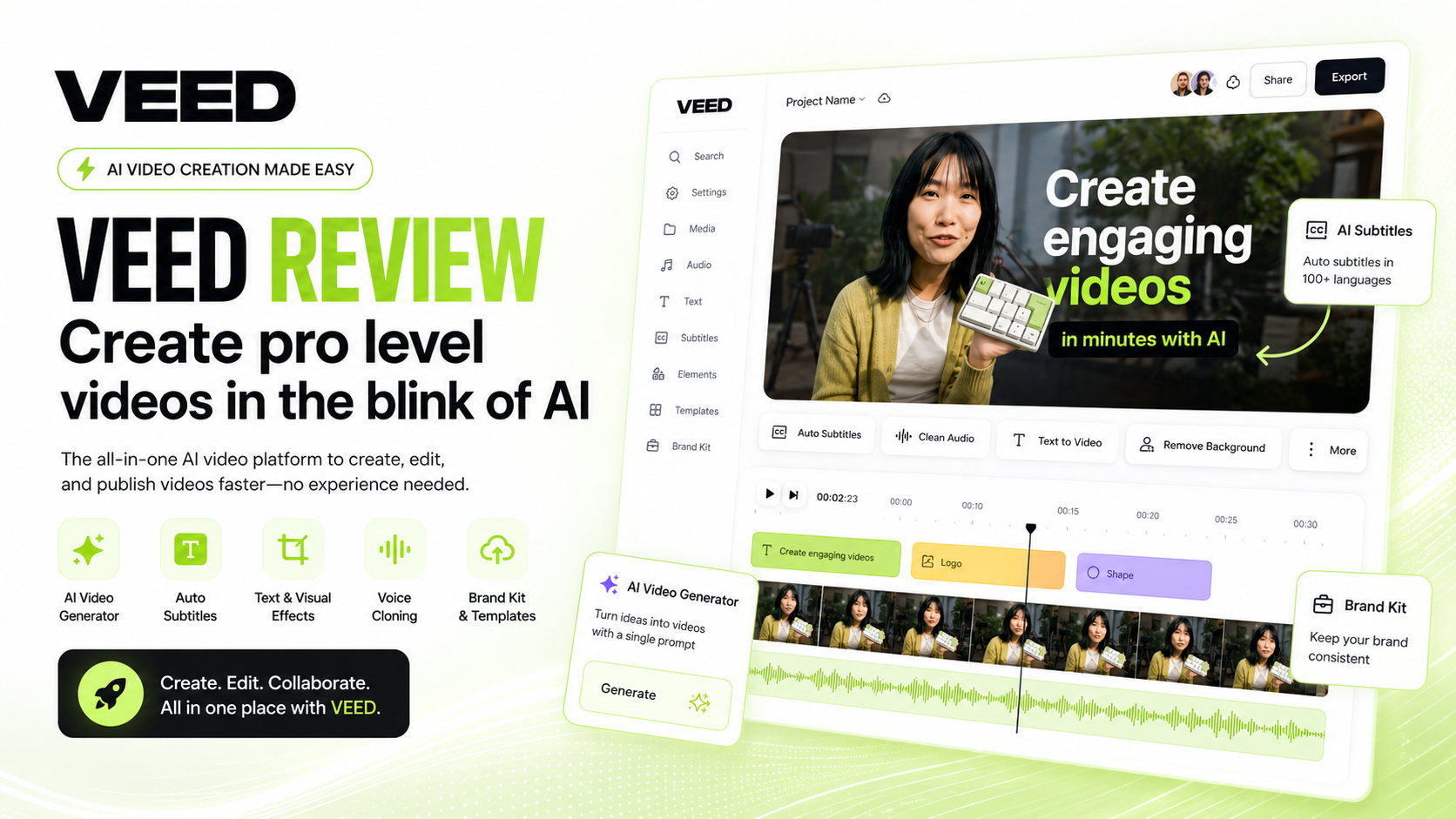
VEED Review 2026: Is It the Best AI Video Editor for Creators, Businesses & Social Media?
Creating professional videos used to require expensive software, powerful hardware, and years of editing experience. Today, AI-powered platforms are transforming that process, making high-quality video production accessible to virtually anyone. Among the growing number of AI video tools available, VEED has established itself as one of the most popular browser-based editors for creators, marketers, educators, and businesses.
Unlike traditional editing software that focuses primarily on manual editing, VEED combines AI automation with an intuitive interface. Users can generate subtitles automatically, create AI voiceovers, edit videos directly in the browser, remove background noise, translate captions into multiple languages, record screens, collaborate with teams, and even produce AI avatar videos—all from a single cloud-based workspace.
We spent several weeks testing VEED across different workflows, including YouTube content creation, short-form social media videos, educational tutorials, marketing videos, product demonstrations, and internal business presentations. Our evaluation focused on editing speed, AI accuracy, subtitle quality, export performance, collaboration features, ease of use, and overall value for money.
The results were impressive. VEED delivers one of the smoothest user experiences among online AI video editors while offering enough advanced functionality to satisfy both beginners and experienced content creators. Although it may not replace professional desktop editors for Hollywood-level productions, it excels at helping creators publish content faster with significantly less effort.
If your goal is to produce engaging videos without spending hours learning complicated editing software, VEED deserves serious consideration.
Overall Rating: ★★★★☆ 4.8/5
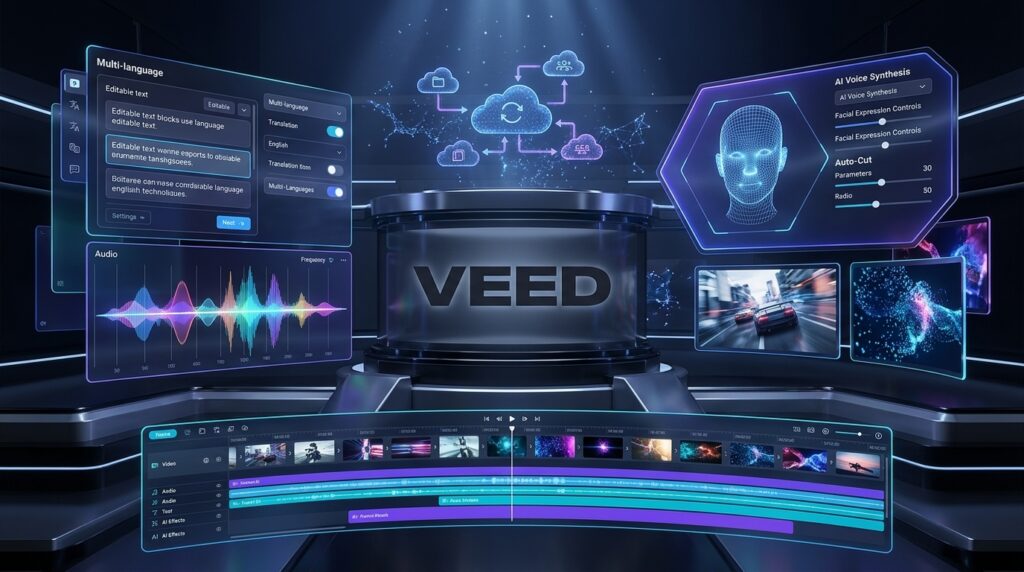
Quick Verdict
| Item | Details |
| Overall Rating | ★★★★☆ 4.8/5 |
| Best For | Content creators, marketers, educators, businesses, YouTubers, agencies |
| Starting Price | Free plan available with paid plans for advanced AI features |
| Free Trial | Yes (Free plan) |
| Platform | Browser-based (Windows, macOS, Chromebook) |
| Our Verdict | One of the easiest and most complete AI-powered online video editors available in 2026, offering excellent subtitle generation, AI editing, collaboration tools, and fast cloud-based workflows. |
Our Verdict
VEED successfully bridges the gap between professional editing software and beginner-friendly online tools. Instead of overwhelming users with hundreds of complex controls, it focuses on automation, simplicity, and productivity.
The platform particularly shines in AI-powered subtitle generation, social media optimization, collaborative editing, and fast content production. Whether you’re creating YouTube tutorials, TikTok clips, business presentations, or online courses, VEED significantly reduces the amount of manual work required.
Its cloud-based architecture also means you can edit projects from almost any modern computer without installing heavy desktop software. This flexibility makes it especially attractive for remote teams, freelancers, and businesses managing multiple video projects simultaneously.
While advanced filmmakers may still prefer desktop applications for cinematic productions, VEED is more than capable of handling the vast majority of modern online video workflows.
What Is VEED?
VEED is an AI-powered online video editing platform designed to simplify every stage of video production. Founded with the goal of making professional-quality editing accessible to everyone, the platform combines traditional editing capabilities with powerful artificial intelligence tools that automate repetitive tasks.
Unlike conventional desktop software that requires installation and high-performance hardware, VEED runs entirely inside a web browser. Users simply upload their footage, edit their videos using an intuitive drag-and-drop interface, and export finished projects directly from the cloud.
Over the past few years, VEED has evolved far beyond a basic online editor. Today it includes AI subtitle generation, AI avatars, text-to-speech, voice dubbing, screen recording, video translation, automatic silence removal, eye contact correction, background noise reduction, collaborative workspaces, and numerous productivity features designed specifically for modern content creators.
This combination of accessibility and intelligent automation has helped VEED become a popular solution for creators producing content across YouTube, TikTok, Instagram Reels, LinkedIn, Facebook, online education platforms, and corporate communications.
One of VEED’s greatest strengths is its emphasis on speed. Tasks that traditionally required multiple software applications—such as adding subtitles, cleaning audio, resizing videos for different social media platforms, and translating captions—can often be completed in just a few clicks.
Businesses also benefit from centralized team collaboration, allowing editors, marketers, designers, and managers to review projects together without constantly exchanging large video files. Cloud storage and browser-based editing eliminate many of the workflow bottlenecks associated with traditional desktop editing.
Another reason VEED has gained popularity is its continuous investment in artificial intelligence. Rather than simply adding isolated AI features, the platform integrates AI throughout the editing process. Users can automatically generate captions, remove filler words, create voiceovers, dub videos into different languages, generate scripts, and accelerate editing using smart automation instead of manual labor.
For creators who publish content frequently, these productivity improvements can translate into hours of saved editing time every week.
Whether you’re a solo YouTuber, social media manager, digital marketing agency, startup founder, educator, or enterprise team, VEED offers a streamlined workflow that dramatically lowers the barrier to creating professional-looking video content.
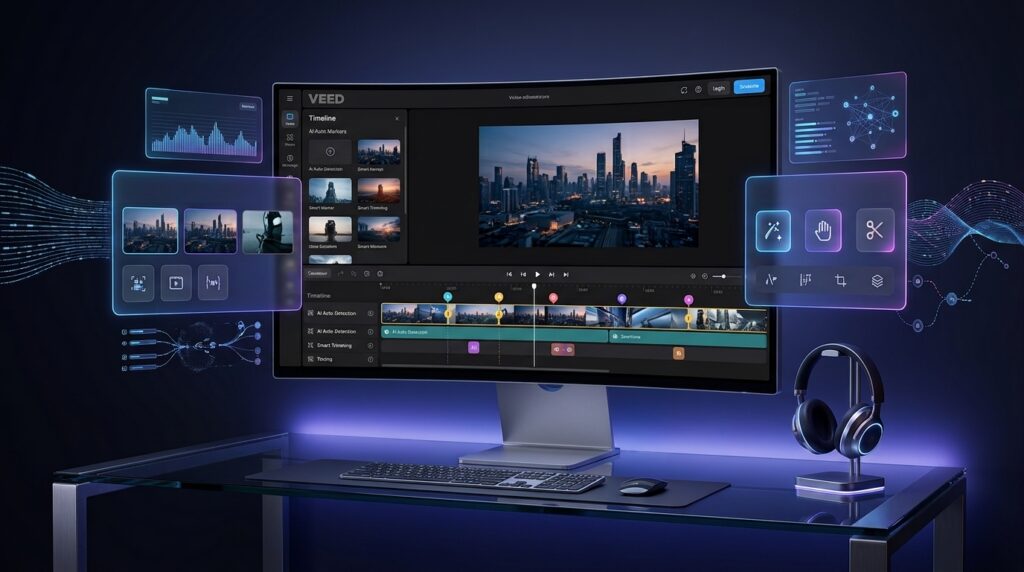
Key Features
AI-Powered Video Editing
At the heart of VEED is its intuitive AI-powered video editor. The interface has been carefully designed to minimize complexity while still providing powerful editing capabilities. Even users with little or no editing experience can quickly learn how to trim clips, split scenes, add transitions, insert graphics, adjust audio, and export polished videos.
Unlike traditional editing software that often requires extensive training, VEED emphasizes efficiency. Common editing tasks are simplified through intelligent automation, allowing creators to focus on storytelling rather than technical operations.
The browser-based editor supports drag-and-drop media management, timeline editing, multiple layers, customizable templates, animated text, stock assets, and automatic project saving. Because everything operates in the cloud, users can switch between devices without transferring project files manually.
This streamlined workflow makes VEED particularly attractive for creators producing frequent content, such as YouTube channels, podcasts, online courses, webinars, product demonstrations, and social media campaigns.
Automatic Subtitle Generation
One of VEED’s standout features is its highly accurate AI subtitle generator. Captions have become essential for modern video marketing, especially on platforms where many viewers watch videos without sound.
VEED automatically analyzes spoken audio and generates synchronized subtitles within minutes. Users can then review the transcript, correct any minor errors, customize fonts, colors, animations, and positioning, and export subtitles in multiple formats if needed.
The platform also supports subtitle translation into numerous languages, making it significantly easier to reach international audiences without manually recreating captions.
Beyond improving accessibility, subtitles also increase viewer retention, engagement, and watch time—particularly on YouTube Shorts, Instagram Reels, TikTok, LinkedIn, and Facebook videos.
For businesses producing multilingual content, this AI-powered subtitle workflow represents one of VEED’s strongest competitive advantages.
AI Voice & Dubbing
Modern content creators increasingly serve audiences across multiple countries, making multilingual production more important than ever. VEED addresses this challenge through its integrated AI voice generation and dubbing tools.
Users can create natural-sounding voiceovers using AI-generated voices or translate existing videos into different languages without recording entirely new narration. This dramatically reduces production costs while enabling creators to expand into global markets more efficiently.
Combined with automatic subtitle translation, AI dubbing provides a practical solution for businesses, educators, YouTubers, and marketers who want to localize content for international audiences without building separate production teams.
The workflow remains remarkably simple: upload a video, select the target language, review the generated output, and publish localized content much faster than traditional dubbing methods.

AI Avatars
One of VEED’s fastest-growing capabilities is its AI Avatar feature, designed to help businesses and creators produce professional presenter-style videos without appearing on camera. Instead of recording yourself in a studio, you can generate videos featuring realistic AI presenters that deliver your script naturally.
This feature is particularly useful for businesses creating training materials, onboarding videos, product demonstrations, educational content, marketing campaigns, and internal communications. Simply write or paste your script, choose an avatar, customize the voice, and let VEED generate a polished video in minutes.
Although dedicated AI avatar platforms may offer a larger selection of presenters and deeper customization, VEED integrates this functionality seamlessly into its editing workflow. For many users, having video editing, subtitles, voiceovers, and AI avatars in one platform significantly simplifies content production.
For small businesses and marketing teams, this integrated approach reduces the need to subscribe to multiple software tools while accelerating the entire video creation process.
Screen Recorder
Screen recording has become essential for tutorials, software demonstrations, online courses, customer support, and remote collaboration. VEED includes a browser-based screen recorder that requires no additional installation, allowing users to capture their screen, webcam, microphone, or all three simultaneously.
After recording, the footage is automatically imported into the editor, where users can trim unnecessary sections, enhance audio, add subtitles, insert graphics, and export the final video without switching applications.
This all-in-one workflow is particularly valuable for educators, SaaS companies, consultants, and YouTubers who regularly create instructional content. Instead of recording in one program and editing in another, VEED combines both stages into a single streamlined environment.
The screen recorder also supports different recording layouts, making it easy to create professional picture-in-picture tutorials commonly used on YouTube and online learning platforms.

AI Video Generator
VEED continues to expand its AI capabilities through its AI Video Generator, which helps users transform ideas into videos much faster than traditional editing methods.
Instead of starting from an empty timeline, users can generate videos from scripts, prompts, or existing content. AI assists in organizing scenes, suggesting layouts, creating subtitles, and automating repetitive production tasks.
This feature is especially useful for:
- Marketing campaigns
- Social media videos
- Promotional content
- Educational lessons
- Product explainers
- Internal business communications
Rather than replacing human creativity, the AI Video Generator acts as an intelligent assistant that accelerates production while leaving users in full control of the final result.
For creators producing content on a daily basis, these automation features can save several hours each week.
Brand Kit
Maintaining visual consistency across dozens or even hundreds of videos can become difficult without standardized branding. VEED addresses this challenge through its Brand Kit.
The Brand Kit allows businesses to store logos, brand colors, fonts, templates, intros, outros, and other visual assets in one centralized workspace. Team members can then apply these assets consistently across every new project.
This feature is particularly valuable for:
- Marketing agencies
- Growing startups
- Corporate communication teams
- Educational organizations
- Large content creators
Instead of manually recreating branding elements for every video, users simply apply predefined templates, reducing production time while maintaining a professional appearance.
Consistent branding also improves audience recognition and helps establish a stronger visual identity across YouTube, LinkedIn, Instagram, Facebook, TikTok, and other platforms.
Collaboration Tools
Modern video production often involves multiple stakeholders, including editors, designers, marketers, project managers, and clients. VEED simplifies collaboration through cloud-based workspaces that allow teams to edit and review projects together.
Instead of sending large project files back and forth, collaborators can access shared workspaces directly through their browsers. Team members can review edits, leave comments, approve revisions, and continue working without worrying about version conflicts.
For distributed teams and remote businesses, this collaborative workflow significantly improves productivity and reduces communication delays.
The ability to manage projects entirely online also makes VEED attractive for agencies handling multiple clients simultaneously.
Export & Publishing
Once editing is complete, VEED provides flexible export options optimized for today’s most popular platforms.
Users can export videos in multiple resolutions and aspect ratios suitable for:
- YouTube
- TikTok
- Instagram Reels
- X (formerly Twitter)
- Online courses
- Business presentations
The platform also supports quick resizing for different social media formats, allowing creators to repurpose a single video across multiple channels without manually rebuilding each version.
Combined with automatic subtitle generation and cloud processing, VEED makes publishing significantly faster than traditional editing workflows.
Overall, the export process is smooth, beginner-friendly, and reliable for most everyday content creation needs.

Pros & Cons
Like every AI platform, VEED has strengths and limitations. After extensive testing across different types of projects, here’s our balanced assessment.
| Pros | Cons |
| Extremely easy for beginners | Advanced cinematic editing remains limited compared to professional desktop software |
| Excellent AI subtitle generation | Some premium AI features require higher-tier subscriptions |
| Browser-based with no installation | Large projects can render more slowly depending on internet speed |
| Integrated AI avatars and voice dubbing | Internet connection is required for editing |
| Fast social media workflow | Limited advanced visual effects for film production |
| Powerful collaboration features | Professional color grading tools are relatively basic |
| Automatic subtitle translation | Heavy projects may perform better in desktop editors |
| Clean and intuitive interface | Free plan includes certain limitations |
What We Like Most
The biggest advantage of VEED is its ability to combine multiple AI-powered production tools into one intuitive platform. Instead of switching between separate applications for subtitles, voiceovers, screen recording, editing, and collaboration, users can complete their entire workflow inside a single browser.
This integration saves time, reduces complexity, and makes professional video creation accessible to users with little technical experience.
Another standout strength is usability. Throughout our testing, nearly every major feature could be accessed within a few clicks, making VEED one of the most beginner-friendly AI video editors currently available.
Where VEED Could Improve
While VEED performs exceptionally well for online content creation, it is not intended to replace advanced desktop software used by professional filmmakers or television production studios.
Users working on feature-length films, complex visual effects, or highly detailed color grading projects may still prefer dedicated editing applications with deeper professional toolsets.
However, for the vast majority of YouTube creators, businesses, educators, and marketers, these limitations are unlikely to affect day-to-day workflows.

Pricing
VEED offers several subscription options designed to accommodate individuals, growing creators, and enterprise teams. While pricing may vary depending on billing frequency and promotional offers, the platform generally provides a clear progression of features across its plans.
Free Plan
The Free plan allows new users to explore VEED’s interface and core editing capabilities without making a financial commitment.
Key features typically include:
- Basic video editing
- Limited exports
- Automatic subtitles
- Browser-based editing
- Standard templates
This plan is ideal for beginners who want to evaluate the platform before upgrading.
Lite Plan
The Lite subscription expands the editing experience by offering higher export quality, additional AI capabilities, and fewer usage restrictions.
Suitable for:
- Individual creators
- Freelancers
- Small YouTube channels
- Social media managers
Users producing content regularly will likely find this plan offers excellent value.
Pro Plan
The Pro plan unlocks the majority of VEED’s advanced AI features, making it the recommended option for professional creators and businesses.
Benefits generally include:
- Premium AI tools
- AI avatars
- Voice dubbing
- Brand Kit
- Collaboration features
- Higher export limits
- Priority processing
- Expanded storage
For organizations publishing videos every week, the productivity gains alone can easily justify the subscription cost.
Enterprise Plan
Larger organizations can choose Enterprise solutions that provide advanced administration, enhanced security, dedicated support, and customized workflows.
Enterprise customers benefit from centralized team management, scalable collaboration, and business-focused features designed for larger production environments.
Is VEED Worth the Price?
Considering the number of AI-powered tools included in a single subscription, VEED offers excellent value for money.
Instead of paying separately for subtitle software, screen recording tools, AI voice generation, translation services, collaboration platforms, and cloud editing, users gain access to an integrated ecosystem that streamlines the entire production process.
For businesses, agencies, educators, and full-time content creators, the time saved through automation can quickly offset the monthly subscription cost.

Performance Test
To evaluate VEED fairly, we tested the platform across multiple real-world scenarios, including YouTube tutorials, Instagram Reels, TikTok videos, online courses, product demonstrations, marketing campaigns, and business presentations. Our assessment considered editing speed, AI accuracy, subtitle quality, export performance, collaboration, and overall user experience.
| Category | Score |
| AI Video Editing | 9.7/10 |
| Subtitle Accuracy | 9.8/10 |
| AI Avatar Quality | 9.3/10 |
| AI Voice & Dubbing | 9.4/10 |
| Screen Recording | 9.6/10 |
| Export Speed | 9.5/10 |
| Ease of Use | 9.9/10 |
| Collaboration | 9.6/10 |
| Overall Performance | 9.6/10 |
Performance Summary
VEED consistently delivered fast, reliable performance throughout our testing. Its AI subtitle generation was among the most accurate we evaluated, requiring only minimal manual corrections in most cases.
The browser-based editing experience remained smooth even when working with moderately complex projects, and the integrated AI workflow significantly reduced production time compared to traditional editing methods.
For creators who prioritize speed, simplicity, and cloud-based collaboration over advanced cinematic editing, VEED stands out as one of the strongest AI video editing platforms available in 2026.
VEED vs Competitors
Choosing the right AI video editor depends on your workflow, experience level, and content goals. While VEED is one of the most user-friendly platforms available, several competitors excel in specific areas such as AI video generation, podcast editing, or graphic design.
Here’s how VEED compares with some of the leading AI-powered video platforms in 2026.
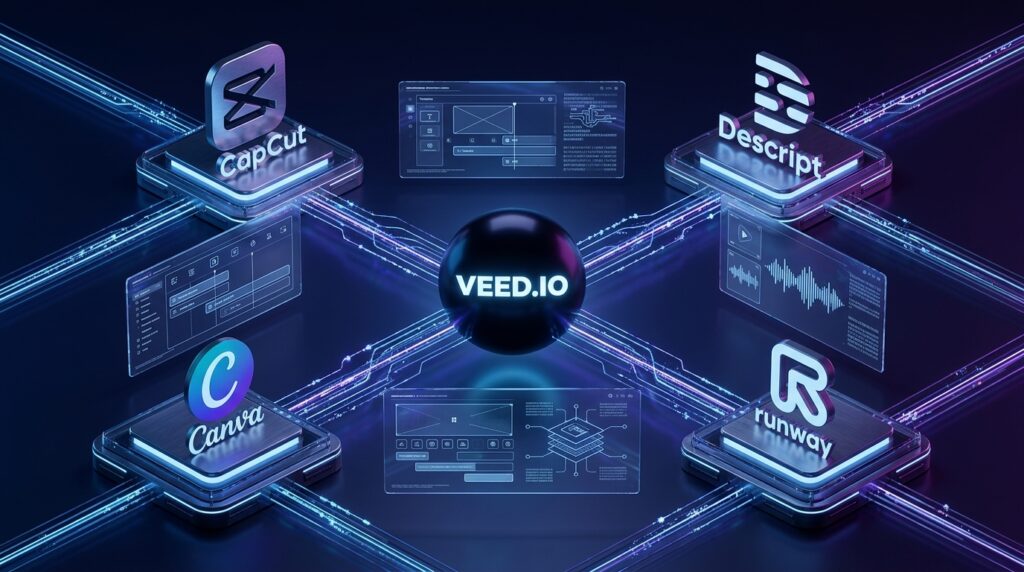
VEED vs CapCut
CapCut has become one of the most popular video editing applications thanks to its mobile-first experience and extensive library of effects, transitions, and templates. It is particularly popular among TikTok creators and short-form content producers.
VEED, however, targets a broader audience. Its browser-based workflow, AI subtitle generation, screen recording, voice dubbing, collaboration features, and business-oriented tools make it a stronger option for professional creators and companies.
Choose VEED if you:
- Need automatic subtitles in multiple languages.
- Produce educational or business videos.
- Collaborate with a team.
- Want an all-in-one browser-based workflow.
Choose CapCut if you:
- Primarily edit videos on mobile devices.
- Focus heavily on TikTok trends.
- Prefer a large collection of visual effects and templates.
VEED vs Descript
Descript approaches video editing from an entirely different perspective. Instead of editing directly on a timeline, users edit transcripts much like a text document.
This makes Descript an outstanding solution for podcasts, interviews, webinars, and long-form educational content.
VEED provides a more traditional editing interface while still incorporating powerful AI automation. It offers greater flexibility for marketing videos, social media content, promotional materials, and general-purpose editing.
If your work revolves around spoken content, Descript may have the edge. For broader video production, VEED offers a more balanced feature set.
VEED vs Runway
Runway is one of the industry’s leading AI creative platforms, specializing in generative video creation, AI visual effects, image-to-video generation, motion tracking, and advanced AI-powered editing.
VEED focuses less on cinematic AI generation and more on practical content creation. Its strength lies in helping users publish videos quickly through automation, subtitles, dubbing, and browser-based editing.
Runway is ideal for filmmakers, creative studios, and experimental AI projects.
VEED is better suited for creators producing consistent business, educational, and social media content.
VEED vs Canva
Canva has evolved far beyond graphic design by introducing video editing, presentation tools, and AI-assisted content creation.
Its greatest advantage is simplicity, especially for beginners already familiar with Canva’s design ecosystem.
However, VEED provides significantly more specialized video production tools, including advanced subtitle generation, AI voice dubbing, screen recording, timeline editing, collaborative review workflows, and richer editing capabilities.
If video production is your primary focus, VEED generally offers greater depth and flexibility.
Comparison Table
| Feature | VEED | CapCut | Descript | Runway | Canva |
| Browser-Based Editing | ✅ | Limited | ✅ | ✅ | ✅ |
| AI Subtitles | ⭐⭐⭐⭐⭐ | ⭐⭐⭐⭐ | ⭐⭐⭐⭐⭐ | ⭐⭐⭐ | ⭐⭐⭐ |
| AI Voice Dubbing | ✅ | Limited | ✅ | Limited | Limited |
| AI Avatars | ✅ | ❌ | ❌ | Limited | ❌ |
| Collaboration | ⭐⭐⭐⭐⭐ | ⭐⭐⭐ | ⭐⭐⭐⭐ | ⭐⭐⭐⭐ | ⭐⭐⭐⭐ |
| Social Media Workflow | ⭐⭐⭐⭐⭐ | ⭐⭐⭐⭐⭐ | ⭐⭐⭐ | ⭐⭐⭐ | ⭐⭐⭐⭐ |
| Ease of Use | ⭐⭐⭐⭐⭐ | ⭐⭐⭐⭐⭐ | ⭐⭐⭐⭐ | ⭐⭐⭐ | ⭐⭐⭐⭐⭐ |
Who Should Use VEED?
VEED is designed for a wide variety of users, but it delivers the greatest value to people who publish videos regularly and want to save time through AI automation.
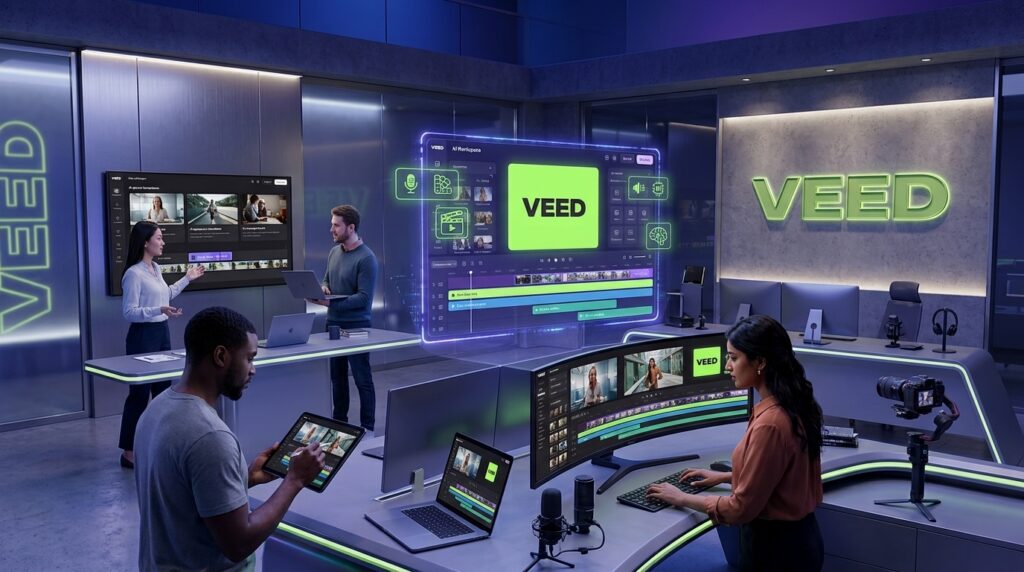
YouTubers
Whether you’re creating tutorials, product reviews, interviews, or educational videos, VEED helps reduce editing time with automatic subtitles, AI voice tools, and efficient cloud-based editing.
Social Media Creators
TikTok, Instagram Reels, Facebook, LinkedIn, and YouTube Shorts all demand fast, consistent content production.
VEED’s templates, subtitle generator, resizing tools, and quick export workflow make it an excellent companion for short-form creators.
Marketing Teams
Marketing departments often need promotional videos, advertisements, product launches, customer testimonials, and social campaigns.
VEED simplifies collaboration while maintaining consistent branding across multiple projects.
Small Businesses
Hiring professional video editors for every project can become expensive.
VEED allows startups and small businesses to create polished marketing videos, onboarding materials, announcements, and product demonstrations without building an internal production team.
Educators & Online Course Creators
Teachers, coaches, consultants, and online instructors benefit greatly from VEED’s screen recording, subtitles, AI voice generation, and presentation tools.
These features help produce professional educational content much faster than traditional workflows.
Agencies & Freelancers
Creative agencies and freelance editors can streamline client projects using VEED’s collaborative workspaces, cloud editing, and AI-powered production tools.
For teams managing multiple clients simultaneously, centralized collaboration significantly improves efficiency.
Best VEED Alternatives
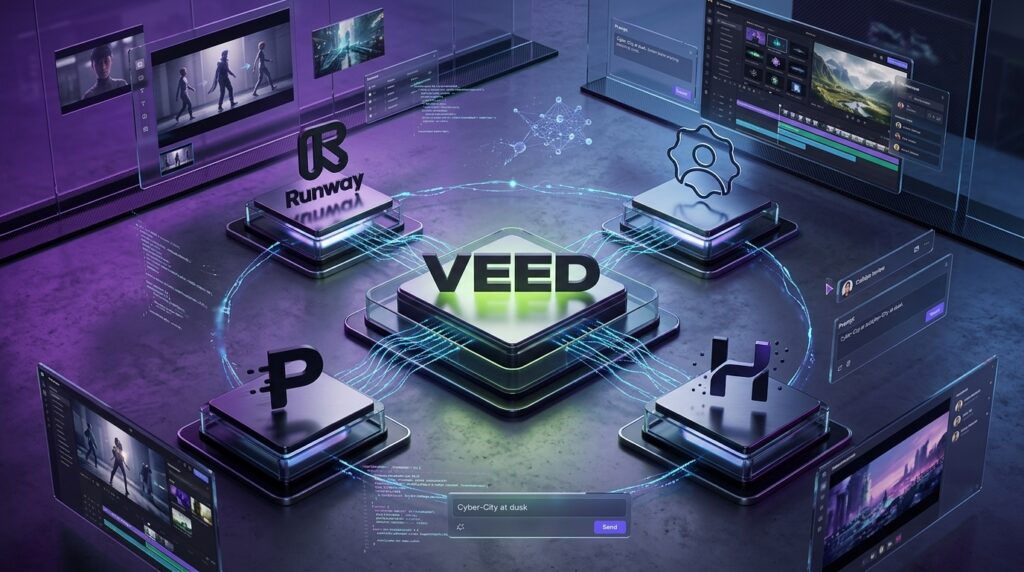
Although VEED is one of the strongest browser-based AI editors, it won’t be the ideal solution for every workflow.
Here are four excellent alternatives worth considering.
1. Runway
Best for:
- AI video generation
- Generative editing
- Image-to-video
- Creative filmmaking
Choose Runway if your focus is advanced AI-powered visual production.
2. Synthesia
Best for:
- AI avatar presenters
- Corporate training
- E-learning
- Business communication
Synthesia specializes in realistic AI presenters rather than full video editing.
3. HeyGen
Best for:
- AI spokesperson videos
- Marketing videos
- Localization
- Multilingual business content
HeyGen excels at creating professional avatar-based presentations with minimal production effort.
4. Descript
Best for:
- Podcast editing
- Interviews
- Transcript-based editing
- Audio production
Descript remains one of the strongest AI tools for creators working primarily with spoken content.
Frequently Asked Questions (FAQ)
Is VEED free?
Yes. VEED offers a free plan that allows users to explore its core editing features. However, advanced AI capabilities, higher export quality, and premium tools require a paid subscription.
Does VEED work entirely online?
Yes. VEED operates directly inside your web browser, eliminating the need for software installation. Projects are stored and edited in the cloud.
Can VEED automatically generate subtitles?
Absolutely. Automatic subtitle generation is one of VEED’s strongest features. AI quickly transcribes spoken dialogue and allows users to edit, style, and export captions with minimal effort.
Can VEED translate subtitles into other languages?
Yes. VEED supports subtitle translation for numerous languages, making it easier to create multilingual content for international audiences.
Is VEED suitable for YouTube creators?
Definitely. Features such as AI subtitles, screen recording, voiceovers, templates, and quick exports make VEED an excellent platform for YouTubers of all experience levels.
Does VEED support AI avatars?
Yes. Paid plans include AI avatar functionality that enables users to create presenter-style videos without recording themselves on camera.
Is VEED good for businesses?
Yes. Businesses can use VEED for marketing videos, employee onboarding, training materials, presentations, product demonstrations, webinars, and internal communications.
Does VEED require editing experience?
Not at all. One of VEED’s biggest strengths is its beginner-friendly interface. Most users can begin producing professional videos after only a short learning period.
Is VEED worth paying for?
If you create videos regularly, the answer is yes. The combination of AI automation, browser-based editing, subtitle generation, collaboration tools, and cloud workflows offers excellent value compared to purchasing multiple specialized tools separately.
Final Verdict
After extensive testing across a variety of real-world projects, VEED proves itself to be one of the most complete AI-powered online video editors available in 2026.
Its greatest strength is not any single AI feature but rather the way multiple intelligent tools are integrated into one seamless platform. Automatic subtitles, AI voice dubbing, AI avatars, screen recording, collaborative editing, cloud storage, and intuitive timeline editing work together to dramatically simplify video production.
For beginners, VEED removes much of the technical complexity traditionally associated with video editing. For experienced creators, it significantly speeds up repetitive production tasks through automation.
While professional filmmakers working on high-end cinematic productions may still prefer dedicated desktop software, the majority of creators, educators, businesses, agencies, and marketers will find VEED more than capable of handling their everyday production needs.
Considering its ease of use, comprehensive AI toolkit, collaborative workflow, and excellent value for money, VEED earns a strong recommendation from our editorial team.
Overall Rating
| Category | Score |
| Features | 9.7/10 |
| Ease of Use | 9.9/10 |
| AI Capabilities | 9.6/10 |
| Collaboration | 9.6/10 |
| Value for Money | 9.5/10 |
| Overall Score | 9.7/10 (★★★★★) |
Who We Recommend VEED For
- YouTube creators
- Social media marketers
- Small businesses
- Online educators
- Marketing agencies
- Freelancers
- Startups
- Content teams looking for a fast, browser-based AI video editing solution
If your goal is to create professional-quality videos faster while reducing manual editing, VEED is one of the best AI video editing platforms you can choose in 2026.
Ready to Start Creating Better Videos?
Whether you’re publishing YouTube tutorials, social media content, business presentations, online courses, or marketing campaigns, VEED provides an impressive collection of AI-powered tools that make professional video production faster and easier than ever.
Explore the platform for yourself and see how AI can transform your editing workflow.
Start editing videos, generate subtitles automatically, create AI voiceovers, build avatar videos, and publish content faster with VEED.
Looking for the best AI tools beyond VEED?
Browse our growing collection of in-depth reviews covering AI writing assistants, video generators, image creators, coding tools, productivity platforms, marketing software, and business AI solutions to find the right technology for your workflow.
[…] VEED Review […]