
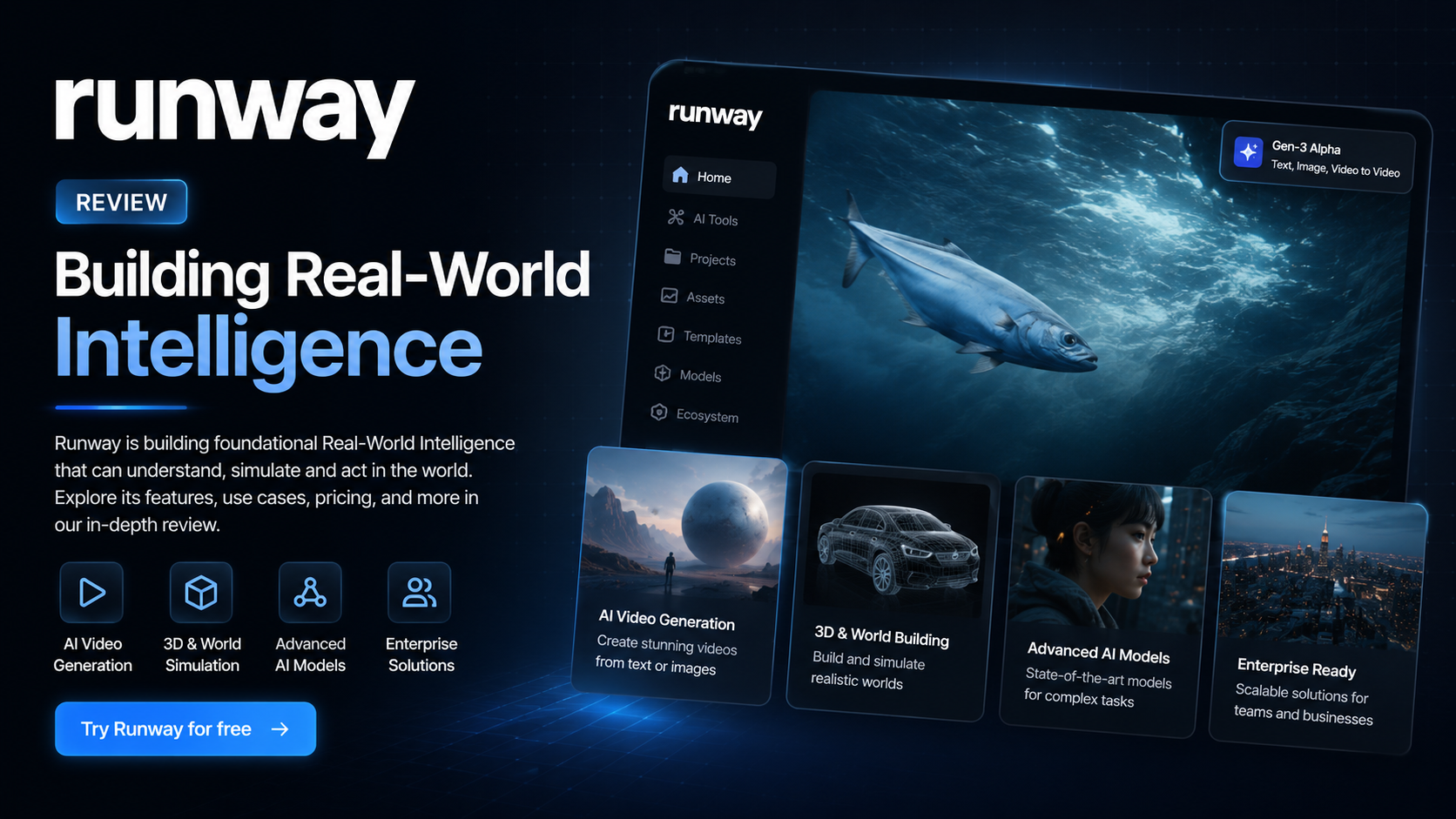
Runway Review 2026: Can This AI Video Generator Replace Traditional Video Editing?
Artificial intelligence is transforming video production faster than ever before. Tasks that once required expensive software, professional editors, and hours of manual work can now be completed in minutes with the help of AI. Among the growing number of AI video platforms available today, Runway has established itself as one of the industry’s most innovative solutions.
Known for introducing cutting-edge AI models capable of generating realistic videos from simple text prompts, Runway has become a favorite among YouTubers, filmmakers, marketers, designers, and businesses looking to accelerate content production. With the release of its latest Gen-4 model, the platform promises better motion consistency, improved visual quality, and more reliable character generation than previous generations.
In this comprehensive Runway review, we’ll examine its core features, pricing, strengths, weaknesses, real-world performance, and overall value to help you determine whether it deserves a place in your creative workflow.
Overall Rating: ★★★★★ 4.9/5
If your goal is to create professional AI-generated videos with minimal technical knowledge, Runway is currently one of the strongest platforms available.
Quick Verdict
| Category | Details |
| Overall Rating | ★★★★★ 4.9/5 |
| Best For | Content creators, YouTubers, marketers, filmmakers, designers, and agencies |
| Starting Price | Free plan available |
| Free Trial | Yes |
| Platform | Web-based |
| AI Models | Gen-4, Gen-3 Alpha Turbo, AI Image Generation, AI Editing |
| Our Verdict | One of the most advanced AI video creation platforms available today with exceptional generation quality and professional editing tools. |
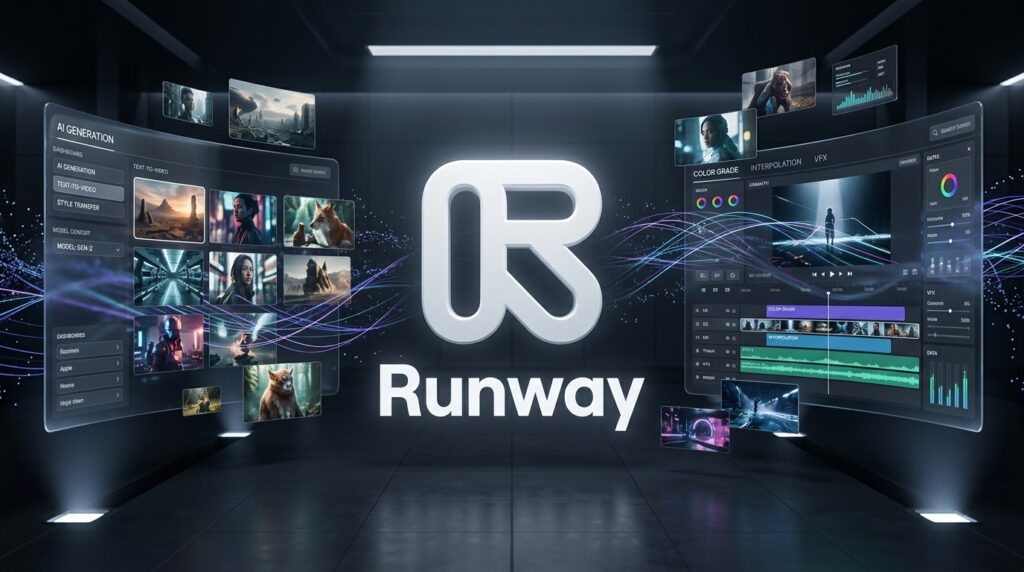
Runway successfully bridges the gap between traditional video editing software and modern AI-powered content creation. Instead of spending hours editing timelines or learning complicated software, users can simply describe what they want, upload reference images, or modify existing videos using natural language.
The platform is particularly impressive for cinematic storytelling, promotional videos, social media content, product marketing, concept visualization, and creative experimentation.
Although the free plan is generous enough to explore the platform, most professionals will eventually require a paid subscription because AI generation credits are consumed quickly when producing longer or higher-quality videos.
Overall, Runway delivers one of the best balances between creativity, usability, and production quality currently available in the AI video industry.
What Is Runway?
Runway is a cloud-based AI creative platform that enables users to generate, edit, and enhance videos using artificial intelligence. Instead of relying on traditional animation techniques or complex editing software, users can describe scenes in natural language, upload images, or edit existing footage with AI-powered tools.
The company has positioned itself at the forefront of generative media by continuously releasing new AI models that push the boundaries of video generation. Its latest flagship model, Gen-4, represents a significant leap forward in visual consistency, camera movement, scene realism, and character preservation.
Unlike many AI tools that focus on a single capability, Runway combines multiple creative technologies into one unified platform. Users can generate videos from text prompts, animate still images, remove unwanted objects, expand scenes beyond their original frame, replace backgrounds, generate images, and apply advanced visual effects—all within a web browser.
This all-in-one approach makes Runway attractive to both beginners and experienced creative professionals.
One reason behind Runway’s rapid growth is its ability to significantly reduce production time. A concept that once required days of planning, filming, editing, and rendering can now be visualized within minutes. This speed has made the platform increasingly popular among creators who publish content regularly on YouTube, TikTok, Instagram, LinkedIn, and other social media platforms.
Marketing teams also benefit from the ability to create promotional videos quickly without organizing expensive video shoots. Startups can produce product demonstrations, advertisements, and explainer videos at a fraction of traditional production costs.
Professional filmmakers have also begun integrating Runway into their workflows. Rather than replacing conventional filmmaking entirely, the platform is often used for pre-visualization, concept development, storyboarding, scene extensions, and creative experimentation before entering full-scale production.
Another important advantage is accessibility. Because everything runs inside a browser, users don’t need high-end hardware or expensive editing workstations. Projects are stored online, making collaboration between team members significantly easier than managing large local project files.
As AI-generated video technology continues to evolve, Runway has consistently remained among the first companies to introduce meaningful innovations instead of simply following industry trends.

Key Features
1. Text-to-Video Generation
The flagship feature of Runway is its powerful text-to-video generator.
Users simply describe the scene they want to create using natural language, and the AI produces a fully animated video complete with realistic environments, cinematic lighting, camera movement, and object interaction. Whether you’re creating futuristic cities, fantasy landscapes, product advertisements, or abstract visual concepts, the platform is capable of producing remarkably detailed results.
Compared to earlier generations of AI video models, Gen-4 delivers noticeably smoother motion, better subject consistency, and more coherent scene composition. The improvements are particularly visible in human movement, facial expressions, and dynamic camera angles.
For creators looking to turn ideas into visual content quickly, this feature alone can dramatically reduce production time.
2. Image-to-Video Animation
Another standout capability is image-to-video generation.
Instead of creating scenes entirely from text, users can upload a still image and ask Runway to animate it naturally. The platform can introduce camera movement, environmental effects, realistic motion, and cinematic transitions while preserving the original composition.
This feature is especially valuable for photographers, designers, concept artists, and marketers who already have existing visuals but want to transform them into engaging videos without traditional animation software.
Businesses can also repurpose product photography into promotional videos for social media campaigns with very little effort.
The ability to convert static artwork into dynamic content greatly expands the creative possibilities for users across multiple industries.
3. Gen-4 Character Consistency
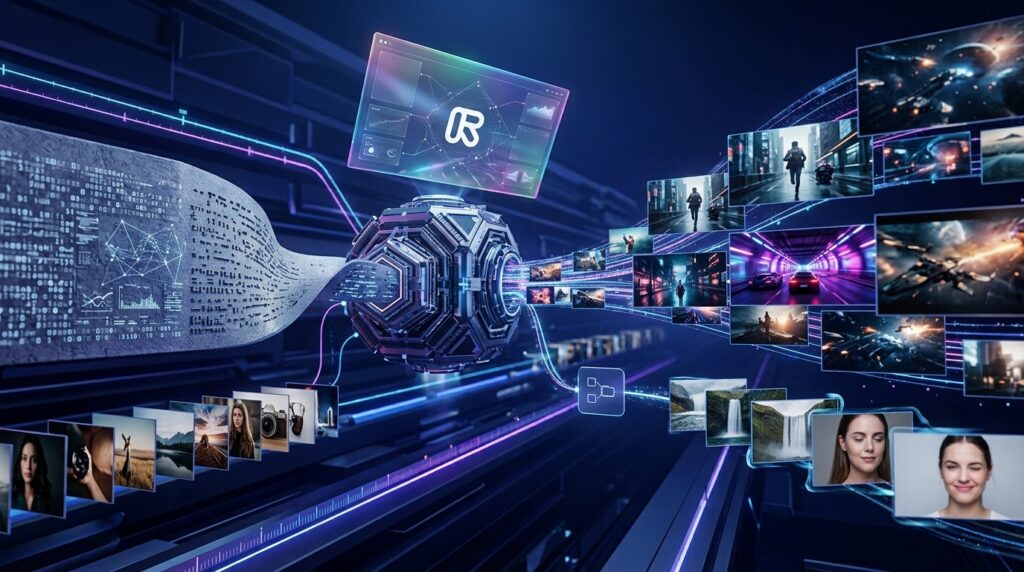
One of the biggest historical challenges in AI video generation has been maintaining consistent characters across multiple scenes. Earlier AI models often changed facial features, clothing, or proportions from one shot to another, making longer storytelling projects difficult.
Runway’s Gen-4 model addresses this issue with significantly improved character consistency.
Characters retain their appearance more reliably across different camera angles, environments, and sequences, allowing creators to build coherent narratives instead of disconnected video clips.
This improvement makes Runway far more practical for filmmakers, advertisers, educators, and brands that require recognizable characters throughout an entire production.
Combined with cinematic motion and improved scene understanding, Gen-4 represents one of the strongest AI video models currently available for professional creative work.
4. AI Video Editing
Beyond video generation, Runway offers an impressive collection of AI-powered editing tools that significantly simplify post-production. Instead of manually masking objects, rotoscoping subjects, or spending hours adjusting individual frames, users can rely on AI to perform these tasks with just a few clicks.
One of the platform’s most useful capabilities is background removal. Users can isolate people or objects without requiring a traditional green screen, making it much easier to create professional-looking videos for marketing campaigns, online courses, and social media content.
Another standout feature is object removal. Whether it’s an unwanted person, distracting item, or visual imperfection, Runway can intelligently erase elements from a scene while reconstructing the surrounding background naturally. This saves creators a considerable amount of editing time compared with conventional software.
The platform also supports scene expansion and generative fill, allowing users to extend the edges of existing footage or modify compositions without reshooting. These AI-assisted editing tools make Runway not only a video generator but also a capable creative editing environment suitable for professional workflows.
5. Motion Brush
Motion Brush is one of Runway’s most creative features.
Instead of animating an entire image, users can paint over specific regions where movement should occur. For example, you might animate flowing hair, moving clouds, rippling water, waving trees, or fluttering clothing while leaving the rest of the scene completely still.
This selective animation provides creators with much greater artistic control than fully automated video generation. Designers can produce subtle cinematic effects that feel intentional and visually polished rather than random.
Motion Brush is particularly valuable for social media advertisements, digital artwork, concept visualization, and promotional graphics where small movements can dramatically increase viewer engagement.

6. Camera Controls
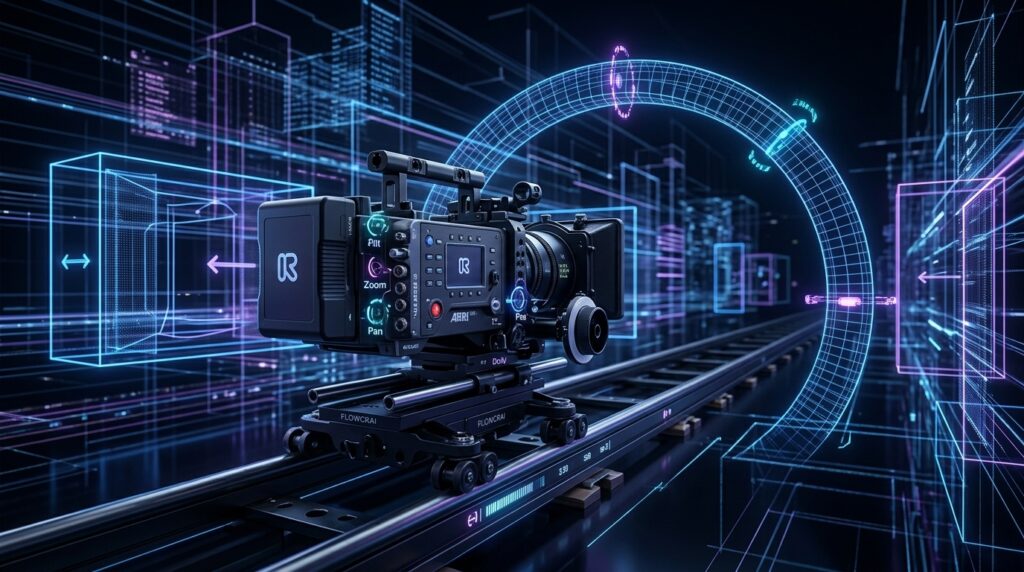
Professional-looking videos often depend on dynamic camera movement, and Runway offers several AI-powered camera controls that help achieve cinematic results.
Users can simulate smooth pans, zooms, tracking shots, dolly movements, and orbiting camera angles using simple prompts. Instead of manually keyframing every movement, creators describe the desired motion and let AI generate realistic virtual camera behavior.
These features give generated videos a more polished and film-like appearance, making them suitable for product showcases, storytelling, promotional videos, and creative presentations.
For users without filmmaking experience, these camera controls remove much of the technical complexity traditionally associated with cinematic production.
7. AI Image Generation
In addition to video creation, Runway includes AI image generation capabilities that integrate naturally into the creative workflow.
Users can generate concept art, marketing visuals, storyboards, product illustrations, and creative assets directly inside the platform. These images can then serve as references or starting points for video generation, creating a seamless transition from static design to animated content.
This unified workflow reduces the need to switch between multiple AI tools and allows creators to manage visual production from a single platform.
Whether developing advertising campaigns, YouTube thumbnails, presentation graphics, or cinematic storyboards, the image generation feature adds significant value for creative professionals.
8. Audio and Lip Sync
Modern video production requires more than impressive visuals, and Runway continues expanding its AI-powered audio capabilities.
The platform supports features that synchronize spoken dialogue with character movements, creating more natural lip synchronization for AI-generated videos. This is especially useful for educational content, marketing videos, digital presenters, and multilingual productions.
Creators can combine AI-generated visuals with voiceovers, narration, or external audio tracks to produce polished content suitable for professional publishing.
As AI voice technology continues evolving, these features position Runway as a more complete multimedia creation platform rather than simply a video generator.
9. Team Collaboration
Runway is designed for both individual creators and collaborative teams.
Projects are stored securely in the cloud, allowing multiple team members to work together regardless of location. Shared workspaces simplify asset management, review processes, and version control, making collaboration more efficient than exchanging large video files manually.
Marketing departments, creative agencies, production studios, and enterprise teams can organize projects centrally while maintaining consistent workflows across multiple contributors.
This collaborative approach makes Runway particularly attractive for organizations producing content at scale.
10. API and Enterprise Solutions
For larger businesses and software developers, Runway also provides enterprise-level solutions that extend beyond the standard web interface.
Organizations can integrate AI video generation into existing production pipelines using APIs and custom workflows. This allows businesses to automate repetitive content creation, personalize marketing materials, or build AI-powered video applications tailored to their specific requirements.
Enterprise customers also benefit from enhanced security, dedicated support, and scalable infrastructure capable of handling high-volume production demands.
These advanced capabilities demonstrate that Runway is designed not only for individual creators but also for commercial organizations looking to incorporate generative AI into professional content operations.

Pros & Cons
Like any creative platform, Runway has notable strengths as well as a few limitations. Understanding both sides helps determine whether it matches your workflow and production needs.
| Pros | Cons |
| Outstanding AI video quality with cinematic results | Free plan includes limited generation credits |
| Powerful Gen-4 model with improved consistency | Premium plans may be expensive for casual users |
| Excellent image-to-video animation | Rendering complex scenes can take time |
| Advanced AI editing tools reduce manual work | High-quality generations consume credits quickly |
| Browser-based platform with no powerful hardware required | Some prompts require experimentation for the best results |
| Regular feature updates and active innovation | Stable internet connection is required |
Overall, the advantages significantly outweigh the drawbacks. For professionals and serious creators, the time saved through AI-assisted production often justifies the subscription cost.
Pricing
Runway offers several subscription options designed for different types of users, from beginners exploring AI video generation to enterprise teams producing commercial content.
Free Plan
The Free plan is ideal for testing the platform. Users receive a limited number of AI generation credits and access to core features, making it a practical way to understand how Runway works before committing to a paid subscription.
Standard Plan
The Standard plan increases monthly credits and unlocks additional AI capabilities, making it suitable for YouTubers, freelancers, educators, and content creators who publish videos regularly.
Pro Plan
Designed for professional creators, agencies, and businesses, the Pro plan offers significantly higher generation limits, faster processing, priority access to new AI models, and enhanced collaboration features. For users producing content frequently, this plan provides the best balance between capability and value.
Enterprise Plan
Large organizations can choose Enterprise solutions that include advanced security, dedicated support, custom workflows, administrative controls, and API integration. This option is best suited for companies managing large-scale video production or embedding AI generation into business processes.
Regardless of the plan selected, Runway allows users to scale their subscription as creative demands increase, making it suitable for both individuals and growing teams.

Performance Test
After evaluating Runway across multiple creative tasks—including text-to-video generation, image animation, AI editing, rendering speed, and overall usability—we found that it consistently delivers professional-quality results.
| Category | Score |
| Video Quality | 9.9/10 |
| AI Video Generation | 9.9/10 |
| Image-to-Video Animation | 9.8/10 |
| AI Editing Tools | 9.7/10 |
| Character Consistency | 9.8/10 |
| Rendering Speed | 9.5/10 |
| Ease of Use | 9.6/10 |
| Commercial Readiness | 9.8/10 |
| Overall Performance | 9.8/10 |
Runway excels in visual quality, creative flexibility, and ease of use. While rendering times and credit consumption vary depending on project complexity, the platform consistently produces impressive results that rival far more time-consuming traditional production methods. For creators seeking a balance between speed and professional output, Runway remains one of the strongest AI video platforms available today.
Runway vs Competitors
The AI video generation market has become increasingly competitive, with several platforms offering impressive capabilities. However, each tool focuses on different strengths and target audiences. Here’s how Runway compares with some of its biggest competitors.
| Feature | Runway | Pika | Google Veo | Luma Dream Machine | Synthesia |
| Text-to-Video | ⭐⭐⭐⭐⭐ | ⭐⭐⭐⭐☆ | ⭐⭐⭐⭐⭐ | ⭐⭐⭐⭐☆ | ⭐⭐☆☆☆ |
| Image-to-Video | ⭐⭐⭐⭐⭐ | ⭐⭐⭐⭐☆ | ⭐⭐⭐⭐⭐ | ⭐⭐⭐⭐⭐ | ⭐⭐☆☆☆ |
| AI Video Editing | ⭐⭐⭐⭐⭐ | ⭐⭐☆☆☆ | ⭐⭐⭐☆☆ | ⭐⭐⭐☆☆ | ⭐⭐⭐☆☆ |
| Character Consistency | ⭐⭐⭐⭐⭐ | ⭐⭐⭐☆☆ | ⭐⭐⭐⭐⭐ | ⭐⭐⭐⭐☆ | ⭐⭐⭐⭐☆ |
| Ease of Use | ⭐⭐⭐⭐☆ | ⭐⭐⭐⭐⭐ | ⭐⭐⭐⭐☆ | ⭐⭐⭐⭐☆ | ⭐⭐⭐⭐⭐ |
| Marketing Videos | ⭐⭐⭐⭐⭐ | ⭐⭐⭐☆☆ | ⭐⭐⭐⭐☆ | ⭐⭐⭐☆☆ | ⭐⭐⭐⭐⭐ |
| Cinematic Quality | ⭐⭐⭐⭐⭐ | ⭐⭐⭐⭐☆ | ⭐⭐⭐⭐⭐ | ⭐⭐⭐⭐⭐ | ⭐⭐⭐☆☆ |
| Best For | Professional AI video production | Quick social videos | High-end AI filmmaking | Creative storytelling | AI avatar presentations |
Runway vs Pika
Pika is an excellent choice for beginners who want to generate short AI videos quickly with minimal learning. Its interface is simple and intuitive, making it ideal for casual creators and social media users.
Runway, however, offers a far more comprehensive creative environment. In addition to generating videos, it includes professional editing tools, Motion Brush, advanced camera controls, background removal, object erasing, and collaborative workflows. For creators producing content regularly, Runway provides significantly greater flexibility.
Runway vs Google Veo
Google Veo demonstrates remarkable realism and advanced scene understanding, making it one of the most exciting AI video technologies available.
However, accessibility remains limited compared to Runway. While Veo showcases impressive technical capabilities, Runway currently provides a mature production platform that creators can integrate into real-world workflows today.
Runway vs Luma Dream Machine
Luma Dream Machine is known for producing visually stunning cinematic clips with realistic lighting and motion.
Runway distinguishes itself through its broader feature set. Rather than focusing solely on video generation, it supports editing, collaboration, image creation, scene modification, and enterprise workflows, making it a more complete production solution.
Runway vs Synthesia
Synthesia serves a different audience altogether.
Its primary focus is AI avatars for training videos, business presentations, customer education, and corporate communication.
Runway excels when creators need cinematic storytelling, creative filmmaking, product advertising, music videos, visual effects, or artistic video production.
The two platforms complement rather than replace each other.
Who Should Use Runway?
Runway is flexible enough to support creators across many industries, but certain groups will benefit the most.
YouTubers
Video creators can produce B-roll footage, animated sequences, cinematic intros, visual effects, and AI-generated scenes without expensive production equipment.
Content Creators
Creators publishing on TikTok, Instagram, Facebook, LinkedIn, and X can quickly generate eye-catching promotional videos that increase engagement while reducing production time.
Marketing Teams
Businesses can create advertisements, product demonstrations, brand campaigns, and social media assets much faster than traditional production methods.
Creative Agencies
Agencies managing multiple client projects benefit from cloud collaboration, reusable assets, and AI-assisted editing that improves overall efficiency.
Filmmakers
Directors and production teams can use Runway for storyboarding, concept visualization, scene expansion, visual experimentation, and post-production enhancement.
Designers and Artists
Concept artists, illustrators, and digital designers can transform static artwork into dynamic animations suitable for presentations, portfolios, and commercial projects.
Startup Teams
Startups often have limited budgets but still require professional marketing content. Runway enables small teams to produce polished promotional videos without hiring a full production crew.
Alternatives
Although Runway is among the strongest AI video platforms available, it may not be the perfect choice for every workflow. Depending on your creative goals and budget, these alternatives are worth considering.
Pika
Pika focuses on fast AI video generation with a beginner-friendly interface. It is an excellent option for creators who prioritize simplicity and quick social media content.
Best For
- Beginners
- Social media creators
- Short-form video production
Google Veo
Google Veo represents one of the most advanced AI video models currently under development. It delivers exceptional realism and sophisticated prompt interpretation.
Best For
- Professional filmmakers
- Experimental AI production
- High-end cinematic projects
Luma Dream Machine
Luma Dream Machine excels at generating visually impressive cinematic clips with natural camera movement and realistic lighting.
Best For
- Creative storytelling
- Artistic video production
- Experimental visual design
Synthesia
Synthesia specializes in AI avatar videos for education, corporate training, customer onboarding, and business presentations.
Best For
- Training videos
- Corporate communication
- Educational content

Frequently Asked Questions
Is Runway free to use?
Yes. Runway offers a free plan that allows users to explore the platform with a limited number of AI generation credits. Paid plans provide additional credits and advanced features.
Is Runway suitable for beginners?
Absolutely. Its intuitive web-based interface makes it accessible even for users with little or no previous video editing experience.
Can Runway generate videos from text prompts?
Yes. Text-to-video generation is one of the platform’s core features. Users simply describe a scene, and the AI creates a corresponding animated video.
Can I animate existing images?
Yes. The Image-to-Video feature allows users to transform still images into dynamic videos with natural movement and cinematic camera effects.
Can I use Runway commercially?
Yes. Paid subscriptions generally allow commercial usage, making Runway suitable for businesses, agencies, and professional creators. Always review the latest licensing terms before publishing commercial projects.
Does Runway require a powerful computer?
No. Since Runway operates entirely in the cloud, most modern computers with a stable internet connection can run the platform effectively.
Is Runway better than traditional video editing software?
Not necessarily. Traditional editing software still provides greater manual control for complex productions. However, Runway dramatically accelerates many creative tasks and complements existing editing workflows rather than replacing them entirely.
Is Runway worth paying for in 2026?
For creators producing videos regularly, the answer is yes. The combination of AI video generation, editing tools, and continuous feature improvements makes it one of the best-value AI creative platforms currently available.
Final Verdict
Runway has established itself as one of the leading AI-powered video creation platforms available today. Its combination of advanced generative models, intelligent editing tools, and cloud-based workflow makes professional-quality video production more accessible than ever before.
The platform’s biggest strengths include exceptional text-to-video generation, realistic image animation, impressive character consistency, powerful AI editing capabilities, and an intuitive interface that appeals to both beginners and experienced professionals.
While subscription costs may become a consideration for heavy users, the time saved during production often outweighs the monthly investment. For businesses, agencies, and creators publishing content regularly, Runway can significantly reduce production time while maintaining a high standard of visual quality.
It is especially well suited for YouTubers, digital marketers, filmmakers, designers, educators, startups, and anyone looking to create engaging visual content with the help of artificial intelligence.
Overall Rating
⭐⭐⭐⭐⭐ 4.9/5
Best For
- Professional AI video creation
- Marketing content
- YouTube production
- Social media campaigns
- Creative storytelling
- Business video production
Our Recommendation
If you’re searching for a modern AI video platform capable of generating cinematic visuals, accelerating production workflows, and supporting professional creative projects, Runway is one of the strongest choices available in 2026. It combines innovation, ease of use, and production-quality results in a way that few competitors currently match.
Ready to Create Professional AI Videos?
Whether you’re a content creator, marketer, filmmaker, or business owner, Runway offers an impressive suite of AI-powered tools to transform ideas into high-quality videos faster than traditional production methods.
Explore its latest generative models, experiment with AI-assisted editing, and discover how automation can elevate your creative workflow.