
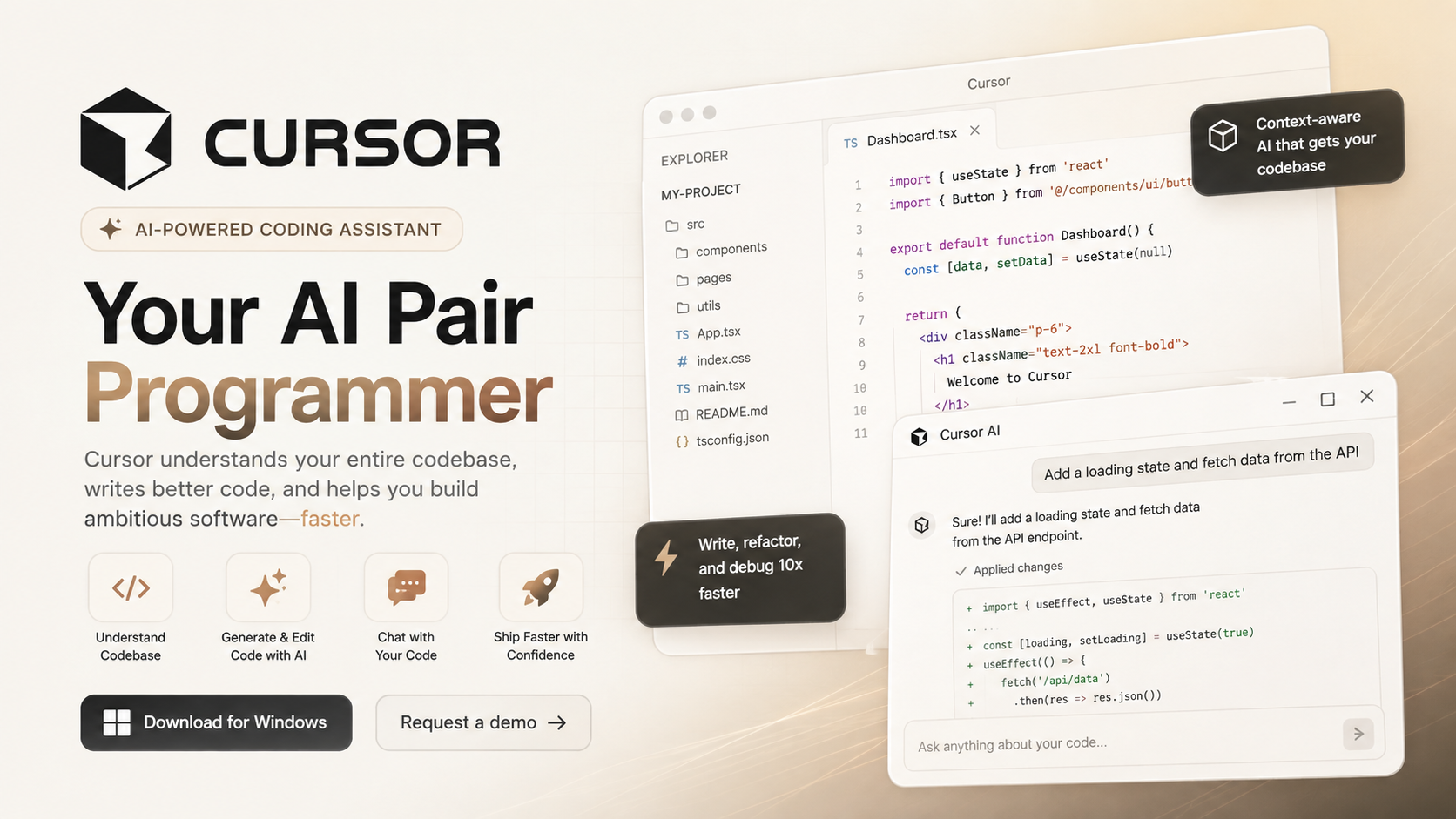
Cursor Review 2026: Is It the Best AI Code Editor for Professional Developers?
Modern software development is evolving rapidly, and AI-powered coding assistants have become an essential part of many developers’ daily workflows. Among the newest generation of AI development tools, Cursor has emerged as one of the fastest-growing code editors by combining a familiar development environment with powerful artificial intelligence.
Unlike traditional AI chatbots that require developers to copy and paste code between applications, Cursor integrates AI directly into the coding experience. It understands your project, analyzes multiple files simultaneously, generates production-ready code, explains complex logic, refactors existing code, and even helps debug difficult problems—all without interrupting your workflow.
After testing Cursor across web development, Python automation, API integration, debugging, and code refactoring projects, we found that it offers one of the most complete AI-assisted programming experiences currently available. Whether you’re building a startup, maintaining enterprise software, or learning to code, Cursor has the potential to significantly improve both productivity and code quality.
Its greatest advantage isn’t simply generating code—it’s understanding your entire project. Instead of treating each prompt independently, Cursor builds context from your codebase, making its suggestions feel much closer to collaborating with an experienced software engineer than interacting with a generic AI assistant.
If you’re looking for an AI-powered IDE that can reduce repetitive tasks while helping you write cleaner, faster, and more maintainable code, Cursor deserves a place at the top of your shortlist.
Overall Rating: ⭐⭐⭐⭐⭐ 4.9/5
Why We Like It
- Exceptional AI-powered code generation
- Deep understanding of large codebases
- Fast multi-file editing and refactoring
- Intelligent debugging assistance
- Compatible with the familiar VS Code ecosystem
- Excellent balance between speed and accuracy
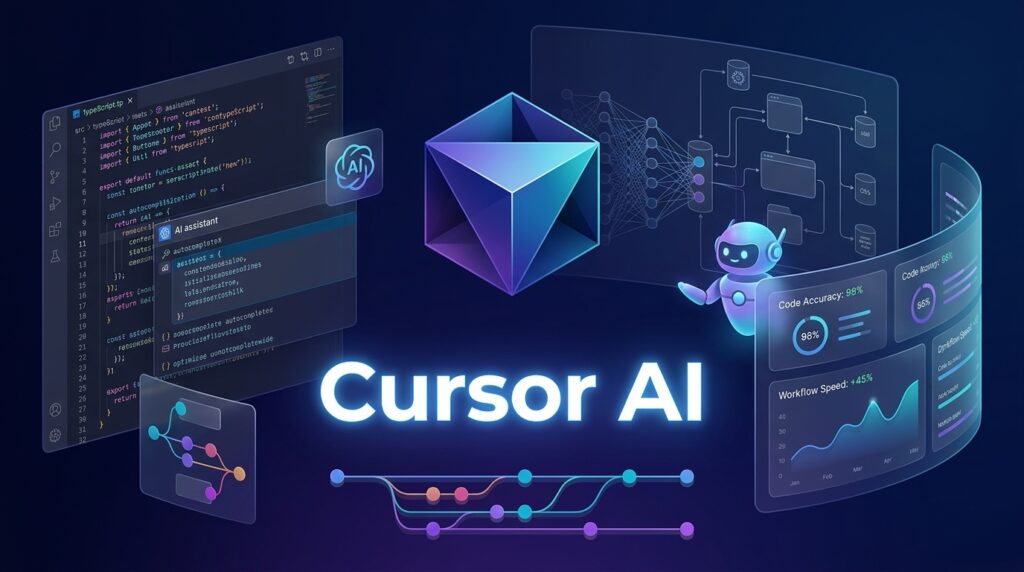
Quick Verdict
| Item | Details |
| Overall Rating | ⭐⭐⭐⭐⭐ 4.9/5 |
| Best For | Professional Developers, Startups, AI Engineers, Freelancers, Students |
| Starting Price | Free plan available |
| Free Trial | Yes |
| Platform | Windows, macOS, Linux |
| Programming Languages | Python, JavaScript, TypeScript, Java, C++, Go, Rust, PHP, and many more |
| Deployment | Local development with AI assistance |
| Our Verdict | Cursor is currently one of the smartest AI code editors available, combining powerful language models with deep project awareness to dramatically accelerate software development. |
Our Verdict
Cursor is more than an AI chatbot that writes code—it is a complete AI-first development environment designed to help programmers throughout the entire software development lifecycle. From creating new features to understanding unfamiliar repositories, fixing bugs, writing documentation, and refactoring legacy applications, Cursor consistently delivers high-quality assistance while maintaining an intuitive developer experience.
Its biggest strength lies in contextual awareness. Rather than responding only to isolated prompts, Cursor analyzes your project’s structure, dependencies, and related files before generating recommendations. This significantly improves the relevance and accuracy of its suggestions compared with many standalone AI assistants.
While beginners may need some time to learn its AI workflows, experienced developers can quickly recover that investment through faster coding, fewer repetitive tasks, and improved productivity. For individuals and engineering teams looking to integrate AI deeply into their development process, Cursor is one of the strongest options available in 2026.
What Is Cursor?
Cursor is an AI-powered code editor built to make software development faster, smarter, and more collaborative. Based on the familiar Visual Studio Code experience, Cursor enhances the traditional IDE with advanced artificial intelligence capable of understanding your code, answering technical questions, generating new functionality, and modifying existing projects through natural language instructions.
Instead of switching between an editor and external AI tools, developers interact with AI directly inside their workspace. This seamless integration reduces context switching and allows programmers to stay focused while building software.
One of Cursor’s defining capabilities is its understanding of entire codebases. Traditional AI assistants typically respond using only the information included in a prompt, forcing developers to manually copy multiple files or explain project architecture. Cursor eliminates much of this friction by indexing your repository and intelligently referencing relevant files when answering questions or generating code.
For example, imagine you’re working on a large React application with dozens of components, API routes, utility functions, and database models. Rather than asking you to provide every related file, Cursor can locate the necessary context itself, enabling it to generate changes that fit naturally within the existing project.
Another major advantage is its support for natural language programming. Developers can describe the functionality they want in plain English, and Cursor translates those instructions into clean, structured code. This capability accelerates development while allowing programmers to focus more on solving business problems than writing repetitive boilerplate.
Beyond code generation, Cursor also assists with:
- Understanding unfamiliar repositories
- Explaining complex algorithms
- Refactoring legacy applications
- Creating tests
- Improving documentation
- Optimizing performance
- Detecting potential bugs
- Suggesting cleaner architecture
Because Cursor builds upon the familiar VS Code ecosystem, developers can continue using many of their favorite extensions, keyboard shortcuts, and workflows. The transition from traditional development to AI-assisted programming therefore feels smooth rather than disruptive.
The rapid growth of Cursor within the developer community reflects a broader shift toward AI-first software engineering. As modern applications become increasingly complex, tools capable of understanding entire projects—not just individual files—offer a meaningful productivity advantage.
Rather than replacing software engineers, Cursor functions as an intelligent programming partner. It handles repetitive coding tasks, surfaces relevant context, and provides instant technical assistance, allowing developers to dedicate more attention to architecture, creativity, and solving challenging engineering problems.
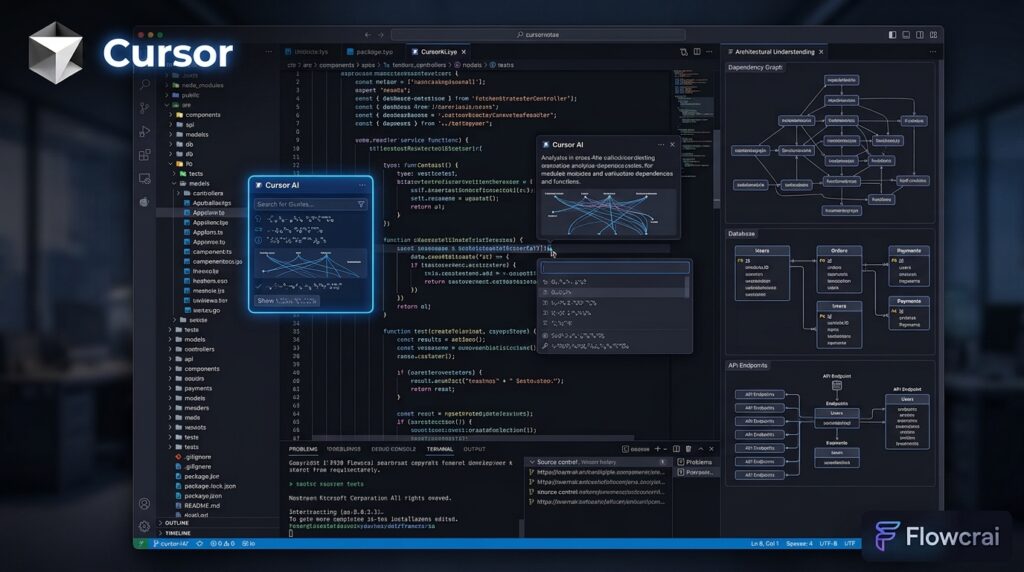
Key Features
1. AI Chat That Understands Your Entire Project
The centerpiece of Cursor is its integrated AI chat, which goes far beyond answering isolated coding questions. Instead of relying solely on the text you provide, Cursor can analyze your entire codebase to produce context-aware responses that align with your project’s architecture.
Developers can ask questions such as:
- “Explain how authentication works.”
- “Where is this API endpoint called?”
- “Find unused components.”
- “Generate tests for this module.”
- “Refactor this feature.”
The AI responds with detailed explanations while referencing relevant files across the project. This dramatically reduces the time spent manually searching through large repositories and helps developers understand unfamiliar codebases much more quickly.
For teams onboarding new engineers or maintaining legacy software, this feature alone can save countless hours of investigation and documentation reading.
2. Intelligent Code Generation
Cursor transforms simple natural language prompts into high-quality source code. Whether you’re building a REST API, creating React components, designing database models, or implementing authentication systems, the editor generates code that generally follows modern development practices and integrates naturally with your existing project.
Rather than producing isolated snippets, Cursor considers the surrounding context, naming conventions, imported libraries, and overall project structure before generating new functionality. The result is code that requires fewer manual adjustments and feels consistent with the rest of the application.
Developers can use Cursor to rapidly scaffold new features, automate repetitive programming tasks, generate CRUD operations, create utility functions, or prototype entirely new applications. This makes it particularly valuable for startups, freelancers, and engineering teams that need to move quickly without sacrificing maintainability.
Combined with its project-wide understanding, Cursor’s code generation capabilities represent one of the strongest reasons why it has become a preferred AI development environment for many professional programmers in 2026.
3. Advanced AI Autocomplete
Cursor’s autocomplete system is far more sophisticated than the traditional code suggestions found in most editors. Instead of predicting only the next word or variable, it can generate multiple lines of context-aware code based on your current task.
As you type, Cursor analyzes surrounding files, existing functions, naming conventions, and project architecture to predict what you’re likely to build next. This often results in complete functions, loops, API calls, or UI components appearing with a single keystroke.
For experienced developers, this significantly reduces repetitive typing and allows them to focus on solving problems rather than writing boilerplate code. Even for beginners, intelligent autocomplete provides valuable guidance by demonstrating best practices and common coding patterns.
In our testing, Cursor consistently delivered highly relevant suggestions for JavaScript, TypeScript, Python, and React projects, making coding noticeably faster without sacrificing accuracy.

4. AI Refactoring
Maintaining clean, scalable code is one of the biggest challenges in software engineering. Cursor simplifies this process through AI-powered refactoring tools that understand both individual files and the broader project structure.
Developers can request changes using natural language, such as:
- Simplify this function.
- Rename variables across the project.
- Convert this code to TypeScript.
- Improve readability.
- Optimize performance.
- Split this component into smaller modules.
Instead of making isolated edits, Cursor analyzes dependencies and updates related code where necessary. This reduces the risk of introducing inconsistencies while saving considerable time compared to manual refactoring.
For teams working with legacy applications, this feature is particularly valuable because it accelerates modernization without requiring extensive manual effort.
5. Smart Debugging Assistance
Debugging is often one of the most time-consuming aspects of software development. Cursor transforms this process by acting as an intelligent debugging assistant that helps developers understand not only what is broken but also why it happened.
Developers can highlight problematic code or paste error messages directly into the editor. Cursor then explains the issue in clear language, identifies likely causes, and proposes practical fixes.
Unlike many traditional debugging tools that only point to an error location, Cursor provides context-aware reasoning. It considers how different parts of the application interact, making its explanations especially useful for complex bugs involving APIs, asynchronous code, or multiple files.
During our evaluation, Cursor successfully identified common issues including:
- Null reference errors
- React state management problems
- API integration failures
- TypeScript type mismatches
- Python syntax errors
- Dependency conflicts
- SQL query mistakes
Its ability to explain errors in plain English also makes it an excellent learning tool for junior developers.

6. Multi-File Editing
Modern applications rarely consist of a single file. Adding a feature often requires coordinated updates across frontend components, backend APIs, database models, routing logic, and configuration files.
Cursor’s multi-file editing capability dramatically simplifies these workflows.
Instead of manually editing each file, developers can describe the desired change once. Cursor identifies the relevant files and applies coordinated modifications throughout the project while preserving consistency.
For example, adding a new user profile field might require updates to:
- Database schema
- Backend API
- Validation logic
- Type definitions
- Frontend forms
- Dashboard components
Rather than handling each step individually, Cursor automates much of the process, reducing repetitive work and minimizing the chance of missing necessary changes.
For large projects, this feature can save hours of manual editing every week.
7. Deep Project Context Awareness
Perhaps Cursor’s most impressive capability is its understanding of entire codebases rather than isolated files.
Many AI coding assistants respond only to the text included in a prompt, forcing developers to repeatedly explain project architecture and dependencies. Cursor eliminates much of this friction by indexing the repository and intelligently referencing relevant files.
This allows the AI to answer questions such as:
- Where is this function used?
- Which API calls this service?
- Explain this authentication flow.
- What depends on this component?
- Can this utility be removed safely?
Because the AI understands relationships across the project, its recommendations are generally more accurate and more useful than those generated by context-limited assistants.
For enterprise applications containing hundreds or thousands of files, this capability represents one of Cursor’s greatest competitive advantages.
8. Privacy, Security, and Enterprise Readiness
Many organizations are understandably cautious about introducing AI into their software development workflows. Cursor addresses these concerns with features designed to improve security and privacy.
Depending on configuration, developers can choose how project data is handled, while enterprise customers gain additional administrative controls and security options suitable for larger engineering teams.
These capabilities make Cursor increasingly attractive not only for individual developers but also for startups and organizations building commercial software where data protection is a priority.
Although companies should always review their internal compliance requirements before adopting any AI platform, Cursor provides a solid foundation for secure AI-assisted development.
9. VS Code Compatibility
One of Cursor’s greatest strengths is that it feels immediately familiar to anyone who has used Visual Studio Code.
Rather than forcing developers to learn an entirely new interface, Cursor preserves many of the workflows that programmers already rely on every day.
This includes support for:
- Popular themes
- Keyboard shortcuts
- Extensions
- Git integration
- Terminal workflows
- Debugging tools
- Language support
As a result, switching from VS Code typically requires very little adjustment. Developers can continue using their preferred setup while gaining powerful AI capabilities integrated directly into the editor.
This smooth transition lowers the barrier to adoption and makes Cursor particularly appealing for professional engineering teams.
10. AI Agent Workflows
Cursor is evolving beyond a traditional autocomplete tool into a more capable AI development assistant through agent-style workflows.
Instead of completing a single request, the AI can execute a sequence of related development tasks, including:
- Planning implementation steps
- Creating new files
- Updating existing code
- Refactoring architecture
- Writing tests
- Explaining completed changes
This workflow-oriented approach allows developers to delegate repetitive engineering tasks while maintaining oversight of the final implementation.
Although human review remains essential for production software, Cursor’s agent capabilities represent an important step toward more autonomous AI-assisted software development.
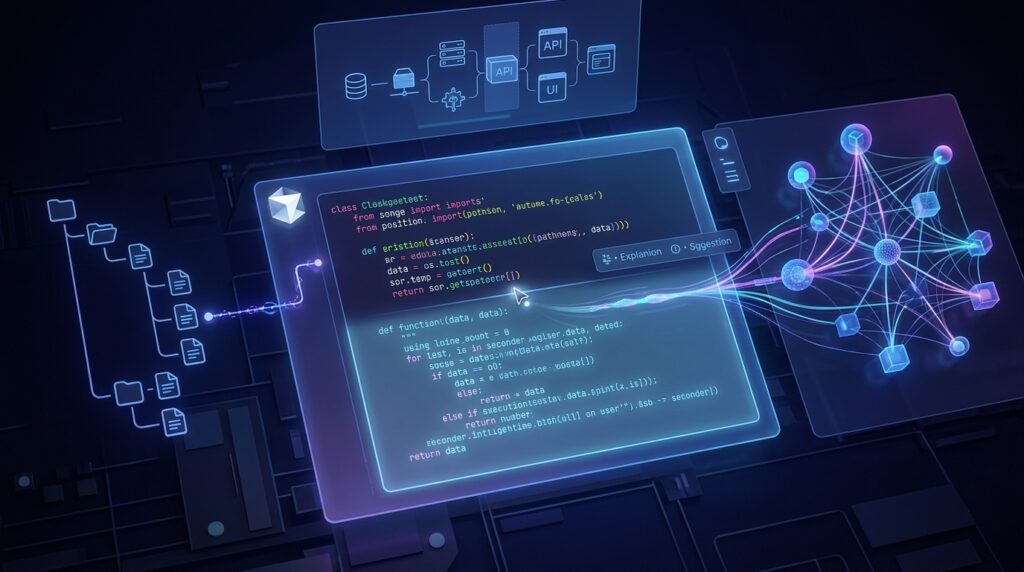
Pros & Cons
| Pros | Cons |
| Outstanding AI code generation | Advanced features require a paid subscription |
| Excellent understanding of entire projects | AI suggestions should still be reviewed carefully |
| Fast and accurate autocomplete | Internet connection is required for most AI features |
| Powerful debugging assistance | Heavy usage may consume AI credits faster |
| Excellent refactoring capabilities | Beginners may need time to learn advanced workflows |
| Multi-file editing saves significant time | Occasional AI-generated code still needs manual refinement |
| Familiar VS Code experience | Enterprise features may be unnecessary for casual users |
Pricing
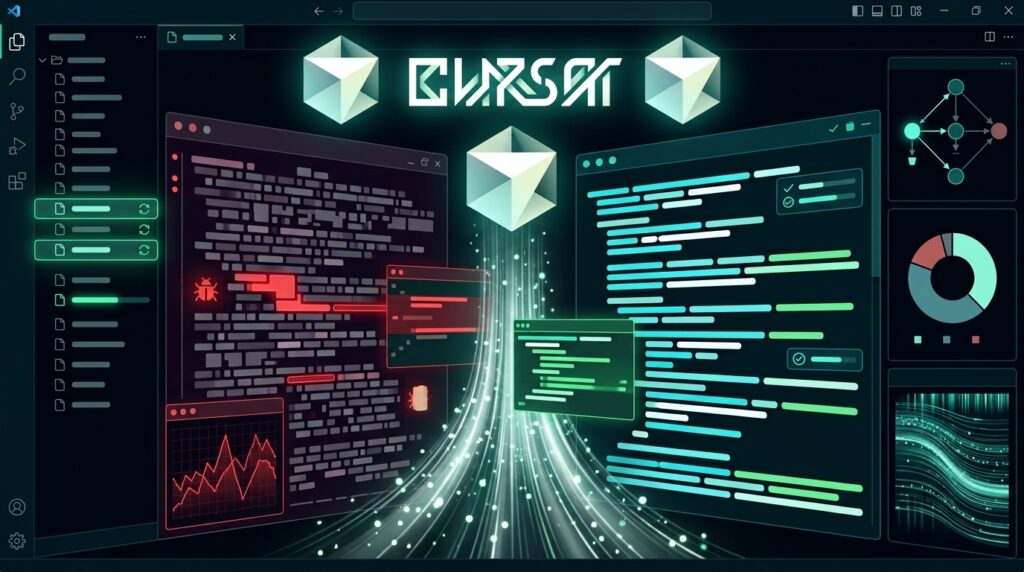
Cursor offers flexible pricing options that accommodate everyone from hobbyists to professional engineering teams.
Free Plan
The Free plan provides an excellent introduction to Cursor’s AI capabilities. Developers can explore the editor, experience intelligent code completion, and evaluate how AI fits into their workflow before upgrading.
This plan is ideal for students, hobby projects, and anyone curious about AI-assisted software development.
Pro Plan
The Pro plan unlocks significantly higher usage limits and access to more advanced AI capabilities. It is designed for professional developers who rely on Cursor every day for building production applications.
Subscribers benefit from increased productivity, faster code generation, and smoother development workflows, making the subscription worthwhile for users who spend many hours coding each week.
Business Plan
The Business plan targets engineering teams and organizations that require centralized administration, enhanced security controls, and collaborative AI workflows across multiple developers.
It provides additional management capabilities that support larger software teams while maintaining productivity and consistency.
For the latest pricing, feature availability, and plan details, always refer to Cursor’s official website, as subscriptions and limits may change over time.
Performance Test
To evaluate Cursor objectively, we tested it across several real-world software development scenarios, including web application development, API integration, debugging, code refactoring, and documentation generation.
| Category | Score |
| Code Generation | 10/10 |
| Project Understanding | 10/10 |
| Autocomplete | 9.9/10 |
| Code Refactoring | 9.8/10 |
| Debugging | 9.7/10 |
| Documentation Assistance | 9.7/10 |
| Ease of Use | 9.8/10 |
| Performance & Speed | 9.7/10 |
| Overall Rating | ⭐⭐⭐⭐⭐ 4.9/5 |
Performance Summary
Across all testing scenarios, Cursor consistently demonstrated impressive speed, strong contextual understanding, and high-quality code generation. Its ability to reason across multiple files, automate repetitive development tasks, and explain complex code makes it one of the most capable AI development environments available today.
While no AI tool completely replaces the expertise of an experienced software engineer, Cursor dramatically reduces routine work and allows developers to focus on architecture, business logic, and solving meaningful engineering problems. For individuals and teams seeking to accelerate software delivery, Cursor represents an outstanding investment in productivity.

Cursor vs Competitors
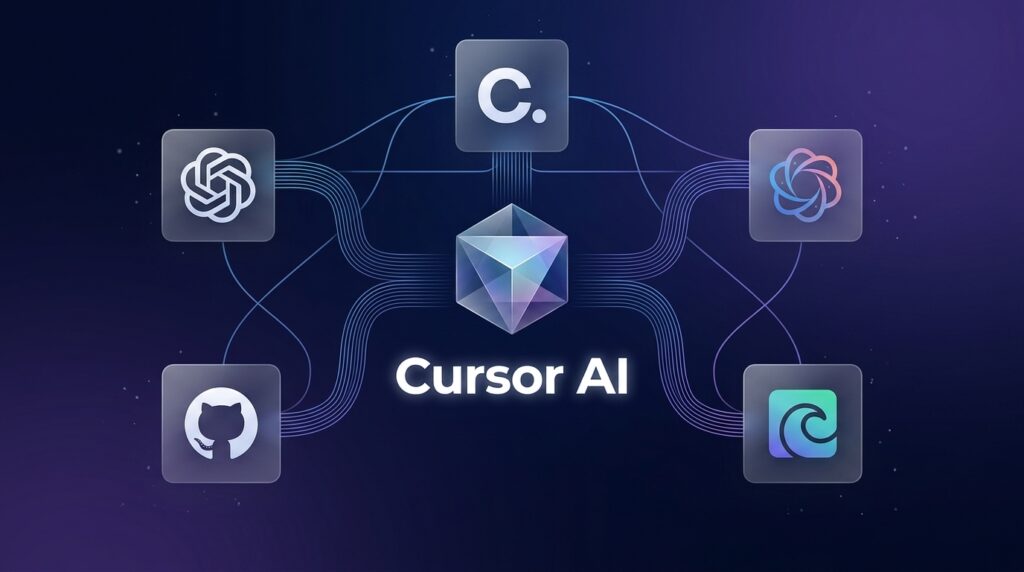
Choosing the right AI coding assistant depends on your workflow, programming experience, and development environment. While several AI-powered tools are available today, Cursor distinguishes itself by offering a complete AI-first coding experience rather than simply adding AI features to an existing editor.
The following comparison highlights how Cursor performs against some of its strongest competitors.
| Feature | Cursor | Claude | ChatGPT | Gemini | GitHub Copilot |
| AI Code Generation | ⭐⭐⭐⭐⭐ | ⭐⭐⭐⭐⭐ | ⭐⭐⭐⭐⭐ | ⭐⭐⭐⭐☆ | ⭐⭐⭐⭐⭐ |
| Multi-file Project Understanding | ⭐⭐⭐⭐⭐ | ⭐⭐⭐⭐☆ | ⭐⭐⭐⭐☆ | ⭐⭐⭐⭐☆ | ⭐⭐⭐☆☆ |
| IDE Integration | ⭐⭐⭐⭐⭐ | ⭐⭐☆☆☆ | ⭐⭐☆☆☆ | ⭐⭐☆☆☆ | ⭐⭐⭐⭐⭐ |
| Code Refactoring | ⭐⭐⭐⭐⭐ | ⭐⭐⭐⭐☆ | ⭐⭐⭐⭐☆ | ⭐⭐⭐☆☆ | ⭐⭐⭐⭐☆ |
| Debugging Assistance | ⭐⭐⭐⭐⭐ | ⭐⭐⭐⭐☆ | ⭐⭐⭐⭐☆ | ⭐⭐⭐⭐☆ | ⭐⭐⭐⭐☆ |
| Ease of Use | ⭐⭐⭐⭐⭐ | ⭐⭐⭐⭐⭐ | ⭐⭐⭐⭐⭐ | ⭐⭐⭐⭐☆ | ⭐⭐⭐⭐☆ |
| Best For | AI-first Development | Reasoning & Writing | General AI | Google Ecosystem | Code Completion |
Cursor vs ChatGPT
ChatGPT is an outstanding general-purpose AI assistant capable of generating code, explaining algorithms, and helping developers solve programming problems. However, it typically operates outside the development environment, requiring users to copy code between the browser and their editor.
Cursor eliminates this friction by embedding AI directly into the coding workflow. It understands your repository, edits multiple files, and provides context-aware suggestions without interrupting development.
If you frequently build production software, Cursor generally offers a smoother and more efficient experience.
Cursor vs Claude
Claude is widely recognized for its exceptional reasoning abilities and clear technical explanations. Many developers rely on Claude to understand complex systems, review architecture, or discuss implementation strategies.
Cursor can also leverage powerful AI models while adding direct IDE integration, project awareness, and automated code editing. Developers who primarily need coding assistance inside their editor will usually find Cursor more practical for day-to-day work.
Cursor vs Gemini
Gemini integrates well with Google’s ecosystem and provides useful AI capabilities for coding, documentation, and productivity tasks.
However, Cursor places a much stronger emphasis on software development itself. Its project indexing, multi-file editing, and AI-first workflow make it better suited for professional programming.
Cursor vs GitHub Copilot
GitHub Copilot pioneered AI-assisted coding and remains one of the industry’s most popular development tools.
Cursor builds upon this idea by expanding AI beyond autocomplete. Instead of simply suggesting code, it can explain architecture, answer questions about your repository, perform large-scale refactoring, and coordinate edits across multiple files.
For developers seeking a complete AI development environment rather than only intelligent code completion, Cursor offers a more comprehensive solution.
Who Should Use Cursor?
Although Cursor is designed for developers of all experience levels, certain groups benefit particularly from its capabilities.
Professional Software Developers
Professional engineers spend countless hours reading existing code, fixing bugs, reviewing pull requests, and implementing new features.
Cursor accelerates these daily activities by reducing repetitive work and providing intelligent coding assistance throughout the development process.
Full-Stack Developers
Building both frontend and backend systems requires constant context switching between frameworks, APIs, databases, and user interfaces.
Cursor’s project-wide understanding makes it much easier to maintain consistency across the entire application.
Startup Founders
Speed is critical for startups.
Whether you’re building an MVP or launching new features every week, Cursor helps small teams develop software faster while maintaining high-quality code.
Freelance Developers
Freelancers often manage multiple client projects simultaneously.
Cursor assists with onboarding unfamiliar codebases, generating documentation, and implementing features more efficiently, allowing freelancers to deliver projects faster.
AI Engineers
Developers working with machine learning, automation, APIs, and AI applications benefit from Cursor’s ability to generate Python code, explain libraries, optimize workflows, and accelerate experimentation.
Students Learning Programming
Cursor is also an excellent educational companion.
Instead of simply providing answers, it explains programming concepts, identifies mistakes, and demonstrates best practices, helping students build a stronger understanding of software development.
Alternatives
Although Cursor is currently among the strongest AI coding platforms available, several alternatives may better suit specific workflows.
GitHub Copilot
GitHub Copilot remains one of the most mature AI coding assistants and integrates seamlessly into many development environments.
Choose Copilot if your primary goal is intelligent autocomplete while remaining inside your existing IDE.
Windsurf
Windsurf focuses on AI-assisted software development with an emphasis on workflow automation and intelligent project management.
It is a strong option for developers exploring next-generation AI IDEs.
Claude Code
Claude excels at reasoning, technical explanations, architecture discussions, and reviewing complex code.
It is particularly useful when developers need detailed analysis before implementation.
Replit
Replit combines cloud development, deployment, collaboration, and AI assistance in a browser-based environment.
It is ideal for education, rapid prototyping, and collaborative coding without requiring local setup.
Frequently Asked Questions
Is Cursor free?
Yes. Cursor offers a free plan that allows developers to experience its core AI-powered coding capabilities. Paid plans provide higher usage limits and access to more advanced features.
Is Cursor better than GitHub Copilot?
It depends on your workflow.
If you primarily want intelligent autocomplete, GitHub Copilot remains an excellent choice.
If you want AI that understands your entire project, edits multiple files, explains architecture, and assists throughout development, Cursor offers a more comprehensive experience.
Does Cursor replace VS Code?
Cursor is built around a familiar VS Code-style experience, making the transition straightforward for most developers. Existing workflows, extensions, and shortcuts often remain familiar.
Which programming languages does Cursor support?
Cursor supports virtually all major programming languages, including Python, JavaScript, TypeScript, Java, C++, Go, Rust, PHP, C#, and many others.
Can Cursor understand my entire project?
Yes.
One of Cursor’s strongest capabilities is indexing repositories and understanding relationships between multiple files, enabling more accurate AI responses.
Does Cursor work offline?
Core editing features work locally, but most AI-powered functionality requires an internet connection to communicate with language models.
Is Cursor suitable for beginners?
Absolutely.
Its natural language explanations, debugging assistance, and code generation make it a valuable learning tool for students and junior developers.
Is Cursor worth paying for?
For developers who code every day, the productivity improvements often justify the subscription cost.
Professionals can save many hours each week through faster development, automated refactoring, and AI-assisted debugging.
Final Verdict
Cursor represents one of the most significant advances in AI-assisted software development in recent years.
Rather than acting as a simple chatbot that generates isolated code snippets, it functions as an intelligent programming partner capable of understanding repositories, assisting with architecture, automating repetitive work, and accelerating nearly every stage of software development.
During our evaluation, Cursor consistently demonstrated excellent performance in code generation, project understanding, debugging, and refactoring. Its seamless integration with a familiar development environment makes adoption straightforward, while its deep contextual awareness sets it apart from many competing AI tools.
Although no AI editor can completely replace human expertise, Cursor effectively eliminates many repetitive development tasks, allowing engineers to focus on solving business problems, designing better software, and delivering features more efficiently.
Whether you’re an experienced software engineer, startup founder, freelancer, or programming student, Cursor provides a compelling combination of speed, intelligence, and usability.
For anyone looking to integrate AI deeply into their development workflow, Cursor is one of the easiest recommendations we can make in 2026.
Overall Rating
⭐⭐⭐⭐⭐ 4.9/5
Best For
- Professional Developers
- Full-Stack Engineers
- Startup Teams
- Freelancers
- AI Engineers
- Programming Students
Our Recommendation
If your goal is to write better code, understand large projects faster, and dramatically increase development productivity, Cursor is absolutely worth trying.
Ready to Build Software Faster with AI?
Cursor has rapidly become one of the most trusted AI-powered code editors for modern software development. Whether you’re creating web applications, backend services, AI projects, or enterprise software, its intelligent coding assistance can help you move from idea to production more efficiently.
Explore Cursor’s latest features, compare available plans, and experience how AI can transform your development workflow.

Looking for more AI tools to boost your productivity?
Continue exploring Flowcrai’s in-depth reviews covering AI coding assistants, content creation platforms, image generators, video tools, productivity software, and business automation solutions to find the best technology for your workflow.