
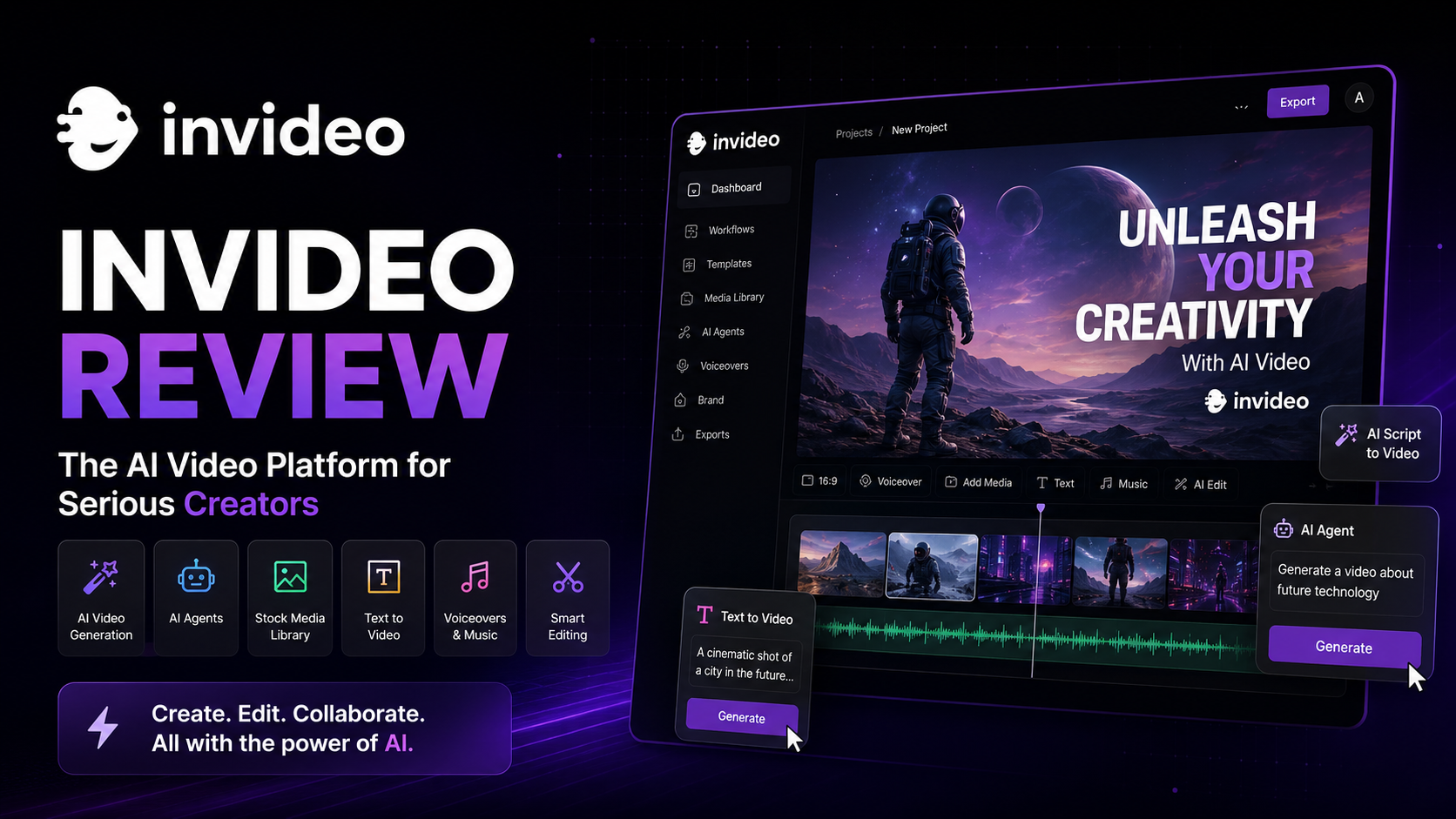
InVideo AI Review 2026: Is It the Best AI Video Generator for YouTube, Social Media & Marketing?
Creating professional videos used to require expensive software, stock footage subscriptions, and years of editing experience. Today, AI is changing that workflow dramatically, and InVideo AI is one of the platforms leading this transformation.
Instead of spending hours editing timelines, users simply describe the type of video they want. The AI automatically generates a script, selects footage, adds subtitles, creates voiceovers, inserts background music, and delivers a polished video ready for publishing.
For creators who need to produce content consistently across YouTube, TikTok, Instagram Reels, Facebook, LinkedIn, or business websites, this workflow can save countless hours every week.
In this comprehensive review, we tested InVideo AI across multiple real-world scenarios, including YouTube content creation, promotional videos, educational explainers, social media marketing, and AI-powered storytelling. We evaluated its video quality, editing flexibility, AI automation, rendering speed, pricing, and overall ease of use to determine whether it truly deserves a place among the best AI video generators available in 2026.
Our Rating: ⭐⭐⭐⭐⭐ 4.8/5
Best For
- YouTube creators
- Social media marketers
- Small businesses
- Marketing agencies
- Online educators
- Freelancers
- Content teams
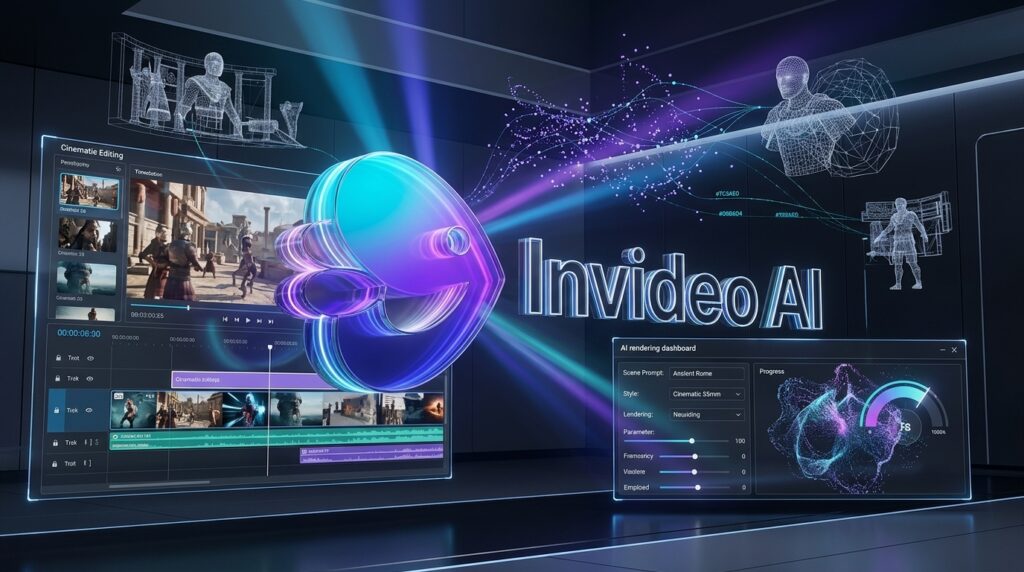
Quick Verdict
| Item | Details |
| Overall Rating | ⭐⭐⭐⭐⭐ 4.8/5 |
| Best For | Content creators, YouTubers, marketers, agencies, educators, and businesses |
| Starting Price | Affordable paid plans with multiple tiers |
| Free Trial | Yes |
| Platform | Web-based |
| Our Verdict | One of the easiest AI-powered video creation platforms for producing professional-quality videos quickly without advanced editing skills. |
If your goal is to publish videos faster without sacrificing visual quality, InVideo AI is one of the strongest options currently available. It combines AI automation with an intuitive editing experience, making it accessible to beginners while still offering enough customization for experienced creators.
Unlike traditional video editors that require manual timeline editing from start to finish, InVideo AI automates much of the production process. Users simply provide a prompt or script, and the platform generates a complete first draft within minutes. This dramatically shortens the production cycle and allows creators to focus more on content strategy than technical editing.
Although professional filmmakers may still prefer advanced desktop software for highly customized productions, most creators, businesses, and marketing teams will find InVideo AI more than capable of producing engaging, professional-looking videos suitable for today’s digital platforms.
What Is InVideo AI?
InVideo AI is an AI-powered online video creation platform designed to simplify every stage of video production. Rather than relying on complex editing software, users describe their ideas using natural language, and the platform transforms those ideas into fully edited videos complete with visuals, transitions, subtitles, voice narration, music, and branding.
Built entirely in the cloud, InVideo AI eliminates the need for high-performance computers or complicated installations. Everything runs directly in the browser, allowing users to create, edit, and export videos from virtually any modern device with an internet connection.
One of the platform’s biggest advantages is its ability to dramatically reduce production time. A project that might traditionally require several hours—or even days—of scripting, asset collection, editing, and post-production can often be completed in less than an hour using AI-assisted workflows.
The platform supports a wide variety of content formats, including:
- YouTube videos
- YouTube Shorts
- Instagram Reels
- TikTok videos
- Facebook ads
- LinkedIn marketing videos
- Product demonstrations
- Online courses
- Promotional videos
- Corporate presentations
- Explainer videos
- AI storytelling content
This versatility makes InVideo AI attractive not only to individual creators but also to agencies and businesses that regularly produce video content for multiple marketing channels.
Another major strength is the platform’s integration of AI throughout the creative workflow. Rather than serving as a simple editing tool, InVideo AI functions more like a creative assistant capable of generating ideas, writing scripts, selecting media, arranging scenes, and producing polished results with minimal manual intervention.
As AI-generated content continues to reshape digital marketing in 2026, platforms like InVideo AI are becoming increasingly valuable for creators who need to scale content production while maintaining professional quality.
Key Features
🎬 AI Text-to-Video Generation
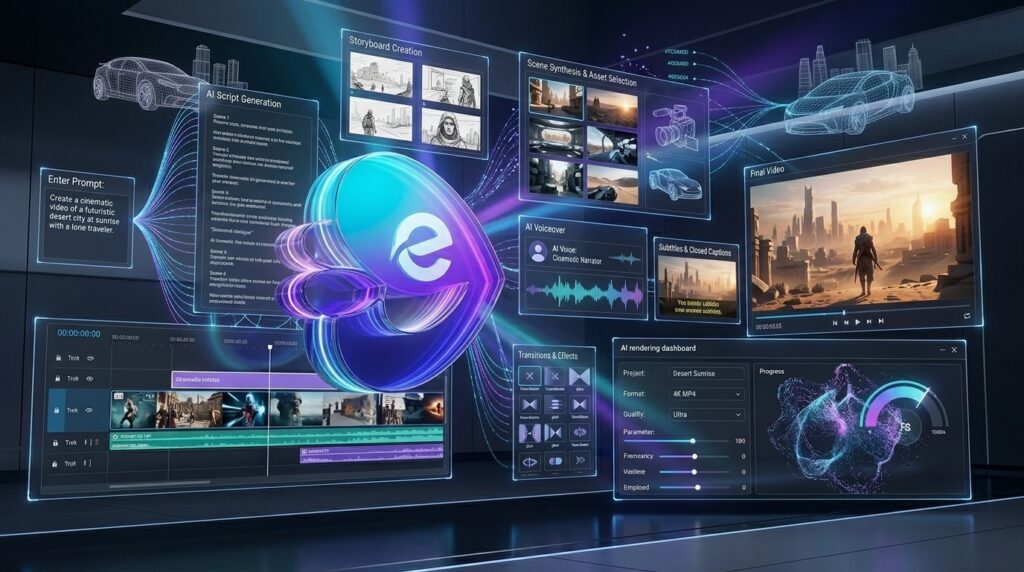
The core feature of InVideo AI is its powerful text-to-video engine. Users simply describe the type of video they want to create, and the AI automatically builds an entire production from scratch.
The system generates a script, divides it into scenes, selects appropriate stock footage, inserts transitions, adds subtitles, applies background music, and creates AI narration when needed.
This dramatically lowers the barrier to video creation, allowing even beginners to produce visually appealing videos without prior editing experience.
For creators who publish content regularly, this feature alone can reduce production time from several hours to just a few minutes.
✍️ AI Script Generator
Creating an engaging script is often the most time-consuming part of video production. InVideo AI helps solve this problem by generating structured, well-organized scripts from simple prompts.
Users can provide a topic, target audience, desired tone, and video objective, and the AI produces a draft suitable for marketing videos, educational content, product reviews, tutorials, or social media campaigns.
Instead of starting from a blank page, creators receive a strong first draft that can easily be refined before generating the final video.
For marketers managing multiple campaigns simultaneously, this feature significantly accelerates the entire content creation process.
🎙️ AI Voiceovers
Professional narration is another area where InVideo AI excels.
The platform offers realistic AI-generated voiceovers with multiple accents, tones, and languages, allowing creators to produce polished videos without hiring voice actors or recording audio manually.
The AI synchronizes narration with scene timing automatically, creating a smoother viewing experience while eliminating much of the manual work traditionally required during editing.
For businesses targeting international audiences, multilingual voice support also simplifies the production of localized marketing content.
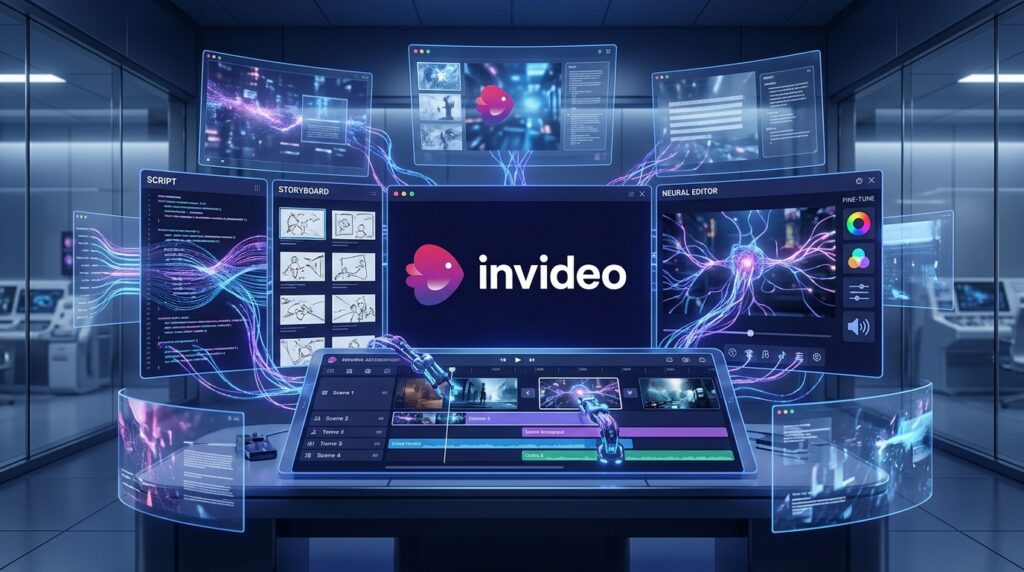
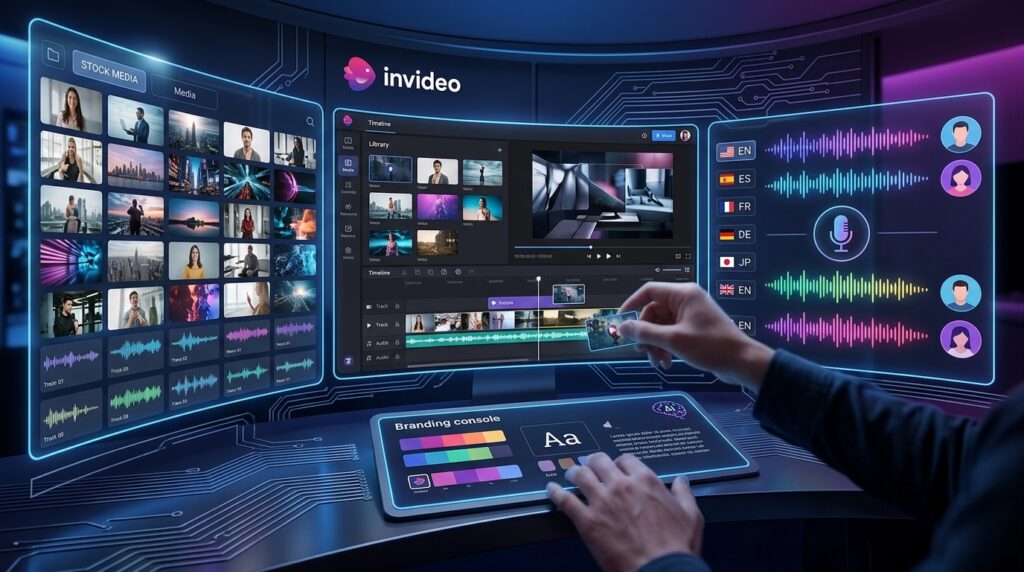
🖼️ Massive Stock Media Library
A video is only as good as its visuals, and InVideo AI provides access to an extensive library of stock assets.
Users can incorporate millions of royalty-free videos, images, music tracks, and sound effects into their projects without spending hours searching external websites.
The AI intelligently selects relevant media based on the script, but creators retain full control and can replace or customize assets whenever necessary.
This combination of automation and flexibility helps maintain both efficiency and creative control throughout the editing process.
🎨 Drag-and-Drop Video Editor
Although AI handles much of the production process automatically, InVideo AI also includes a user-friendly drag-and-drop editor for manual adjustments.
Creators can modify text, replace scenes, upload custom footage, add company logos, change colors, adjust timing, insert animations, and fine-tune every aspect of the final video.
This hybrid workflow is particularly valuable because it combines AI speed with human creativity. Rather than accepting the AI-generated result exactly as produced, users can easily personalize each project to match their unique brand identity and communication style.
Whether you’re producing YouTube tutorials, promotional advertisements, educational lessons, or social media content, the editor offers enough flexibility to transform an AI-generated draft into a polished, professional-quality final product.
🚀 AI Video Templates & Smart Styles
While many AI video tools can generate a basic video from text, InVideo AI goes a step further by offering an extensive collection of professionally designed templates optimized for different industries and platforms.
Whether you’re creating YouTube tutorials, TikTok clips, Instagram Reels, Facebook ads, product launches, corporate presentations, or educational explainers, the platform provides layouts specifically designed to maximize viewer engagement.
Instead of beginning every project from scratch, users can select a template that matches their objective and allow the AI to customize it automatically. This significantly reduces production time while maintaining a polished, professional appearance.
Templates are continuously updated to reflect modern design trends, ensuring videos look current rather than outdated. Businesses can also apply their own branding by adding logos, brand colors, fonts, and custom media, making every video consistent with their visual identity.
For creators publishing content regularly across multiple social platforms, these templates can dramatically improve workflow efficiency.
💬 AI Subtitles & Automatic Captions
Captions have become an essential part of online video content. Many viewers watch videos with the sound muted, especially on social media platforms, making subtitles critical for engagement and accessibility.
InVideo AI automatically generates subtitles with impressive speed and accuracy. The AI synchronizes captions with narration, eliminating one of the most repetitive tasks in video production.
Users can fully customize:
- Font style
- Text size
- Colors
- Position
- Animation effects
- Background styling
The platform also supports multiple languages, making it much easier for businesses and creators to localize their content for international audiences.
Although automatic transcription occasionally requires minor corrections—particularly with technical terminology or brand names—the overall accuracy is excellent and greatly reduces manual editing time.
👥 Collaboration & Team Workspace
InVideo AI is designed not only for solo creators but also for marketing teams and agencies that produce content collaboratively.
Team members can work together on projects, review drafts, provide feedback, and make revisions without constantly exchanging large project files. Since everything is cloud-based, collaboration becomes far more efficient than traditional desktop editing workflows.
For agencies managing multiple clients, this centralized workspace helps organize projects while maintaining consistent branding across campaigns.
Businesses can also streamline approval processes by sharing draft videos with clients or colleagues before publication, reducing delays and improving communication throughout the production cycle.
This collaborative environment makes InVideo AI an attractive solution for organizations that publish video content on a regular basis.
🎥 Export Quality & Rendering Performance
Video quality ultimately determines whether an audience perceives content as professional, and InVideo AI performs well in this area.
The platform exports high-definition videos suitable for YouTube, Facebook, LinkedIn, Instagram, TikTok, websites, presentations, and digital advertising campaigns.
Rendering speed depends on project complexity and server demand, but during our testing, most videos were generated within a reasonable timeframe. Short social media videos typically finished in just a few minutes, while longer projects naturally required additional processing.
Transitions appear smooth, text remains sharp, and AI-selected visuals generally maintain a professional look throughout the finished production.
While dedicated desktop editors still offer greater precision for cinematic productions, InVideo AI delivers more than enough quality for the vast majority of creators, marketers, educators, and small businesses.
Pros & Cons
No AI platform is perfect, and InVideo AI is no exception. After extensive testing, these are the strengths and weaknesses we found.
| Pros | Cons |
| Extremely beginner-friendly interface | AI-generated scenes occasionally require manual adjustments |
| Generates complete videos from simple prompts | Long videos take longer to render |
| Excellent AI script generation | Some premium stock assets require higher-tier plans |
| Large royalty-free media library | Advanced editors may find customization somewhat limited |
| High-quality AI voiceovers | Browser performance depends on internet speed |
| Fast workflow compared to traditional editing | Very complex storytelling still benefits from manual editing |
| Supports multiple content formats | Free plan includes limitations |
Overall, the advantages significantly outweigh the drawbacks, especially for users looking to produce high-quality marketing or social media videos efficiently.
Pricing
One of InVideo AI’s strongest advantages is its flexible pricing structure, allowing users to start for free before upgrading as their production needs increase.
Although pricing may change over time, the platform generally offers several subscription tiers designed for different types of users.
Free Plan
The Free Plan is ideal for beginners who want to explore the platform before committing to a paid subscription.
It provides access to core AI features with usage limits, allowing users to experience the workflow without financial risk.
This option is particularly suitable for students, hobbyists, and creators testing AI-powered video production for the first time.
Plus Plan
The Plus Plan is designed for individual creators who publish videos regularly.
Subscribers receive higher AI generation limits, improved export capabilities, additional premium assets, and a smoother production experience.
For YouTubers and freelance content creators, this plan offers an excellent balance between affordability and productivity.
Max Plan
The Max Plan targets professionals, agencies, and businesses producing videos at scale.
Users benefit from increased AI generation capacity, faster workflows, larger asset libraries, and expanded commercial usage.
Marketing teams managing multiple brands or campaigns will likely find this tier provides the greatest value.
Enterprise Solutions
For larger organizations, InVideo AI also provides enterprise-level solutions tailored to corporate workflows.
These plans may include:
- Dedicated account management
- Team collaboration tools
- Advanced security
- Custom integrations
- Brand management
- Scalable production workflows
Enterprise customers should contact the sales team for customized pricing based on their specific requirements.

Performance Test
To evaluate InVideo AI fairly, we tested the platform across several real-world scenarios, including YouTube videos, marketing content, educational explainers, promotional advertisements, and short-form social media clips.
The platform consistently delivered fast results while maintaining impressive visual quality and requiring very little manual editing.
| Category | Score |
| AI Video Generation | 9.8/10 |
| Video Quality | 9.6/10 |
| Ease of Use | 10/10 |
| AI Script Generation | 9.7/10 |
| AI Voice Quality | 9.5/10 |
| Stock Media Library | 9.8/10 |
| Templates & Design | 9.7/10 |
| Rendering Speed | 9.4/10 |
| Collaboration | 9.3/10 |
| Overall Score | ⭐⭐⭐⭐⭐ 4.8/5 |
Our testing confirmed that InVideo AI excels in usability and automation. The platform dramatically shortens the time required to create professional-looking videos, making it an excellent solution for creators who prioritize efficiency without sacrificing production quality.

InVideo AI vs Competitors
The AI video generation market has become increasingly competitive in recent years. While InVideo AI stands out for its ease of use and automation, several alternatives excel in different areas.
| Platform | Best For | Strength |
| InVideo AI | Content creators & marketers | Complete AI video workflow |
| Runway | Professional AI filmmakers | Advanced AI video generation and cinematic editing |
| VEED | Social media creators | Browser-based editing and fast content production |
| Synthesia | Business training | AI avatars and corporate presentations |
| Pika | Creative AI animation | Short-form AI-generated visual effects |
Compared with Runway, InVideo AI is considerably easier for beginners and focuses on producing complete marketing-ready videos rather than advanced visual effects.
Against VEED, InVideo AI offers stronger AI automation, particularly in script generation and text-to-video workflows, while VEED provides greater flexibility for manual editing.
Compared with Synthesia, InVideo AI supports a much wider variety of content types. Synthesia remains the better choice for AI avatar presentations and corporate training videos.
Pika excels at creative AI animation and visual experimentation, whereas InVideo AI is more suitable for businesses, YouTubers, educators, and marketers seeking an efficient end-to-end video production platform.
Overall, InVideo AI strikes one of the best balances between automation, usability, affordability, and production quality, making it one of the most compelling AI video generators available in 2026.
Who Should Use InVideo AI?
Although InVideo AI is designed to be accessible for beginners, its versatility makes it suitable for a wide range of users. Whether you’re creating content for personal projects, growing a business, or managing marketing campaigns, the platform offers enough flexibility to fit different workflows.
🎥 YouTubers
YouTube creators are among the biggest beneficiaries of InVideo AI.
Producing videos consistently is often the most challenging part of running a successful YouTube channel. Researching topics, writing scripts, collecting footage, editing timelines, adding subtitles, recording voiceovers, and rendering final videos can consume many hours for every upload.
InVideo AI dramatically simplifies this process. A simple prompt can generate a complete first draft, allowing creators to spend more time improving content quality and audience engagement rather than handling repetitive editing tasks.
Whether you produce tutorials, product reviews, educational videos, tech explainers, or business content, InVideo AI can significantly reduce production time while maintaining professional quality.
📱 Social Media Creators
Modern social platforms demand a constant stream of fresh content.
Instagram Reels, TikTok, Facebook, LinkedIn, Pinterest, and YouTube Shorts all reward creators who publish consistently.
InVideo AI helps creators quickly transform ideas into short-form videos optimized for each platform. AI-generated captions, automatic scene selection, and platform-specific templates make it much easier to maintain an active publishing schedule without hiring a production team.
📈 Digital Marketers
Marketing professionals frequently create promotional videos, product demonstrations, advertisements, lead-generation campaigns, landing page videos, and email marketing content.
Instead of outsourcing every project to video editors, marketers can produce polished videos internally using AI.
This allows businesses to launch campaigns faster, test multiple creative variations, and respond more quickly to changing market trends.
For agencies managing multiple clients, the time savings can translate into substantial productivity gains.
🏢 Small Businesses
Professional video production has traditionally been expensive, placing it out of reach for many small businesses.
InVideo AI lowers this barrier by enabling entrepreneurs to create promotional videos, service introductions, customer testimonials, product showcases, and social media advertisements without investing in costly production equipment.
For businesses with limited marketing budgets, the platform provides an affordable way to maintain a professional online presence.
🎓 Educators & Online Course Creators
Educational content often relies on clear visuals, structured narration, and engaging presentation.
Teachers, trainers, coaches, and online course creators can use InVideo AI to produce instructional videos, presentations, tutorials, and learning materials much more efficiently than traditional editing software.
Automatic subtitles and AI voiceovers also improve accessibility for learners around the world.
💼 Freelancers & Creative Professionals
Freelancers frequently juggle multiple client projects under tight deadlines.
InVideo AI accelerates production while allowing enough manual customization to meet client expectations. Designers, marketers, consultants, and social media managers can use the platform to deliver professional video content faster and increase their overall productivity.
Best Alternatives to InVideo AI
While InVideo AI is one of the strongest AI video platforms available today, it isn’t necessarily the perfect solution for everyone. Depending on your workflow, budget, and creative goals, one of these alternatives may be a better fit.
1. Runway
Runway is an excellent choice for creators seeking advanced AI video generation and cinematic visual effects.
Its powerful generative AI models allow users to create highly creative content, making it popular among filmmakers, designers, and digital artists. However, the learning curve is steeper than InVideo AI, making it better suited to experienced users.
Best for: AI filmmaking, visual effects, creative storytelling.
2. VEED
VEED focuses on browser-based video editing with an intuitive interface.
It offers excellent subtitle generation, screen recording, AI editing tools, and social media optimization. Users who prefer greater manual editing control while still benefiting from AI assistance may find VEED to be an attractive alternative.
Best for: Social media creators and online businesses.
3. Synthesia
Synthesia specializes in AI avatars and professional business presentations.
Instead of producing traditional marketing videos, it enables organizations to create realistic AI presenters for employee training, onboarding, educational courses, and corporate communications.
Best for: Corporate training and educational content.
4. Pika
Pika has gained popularity for its creative AI animation capabilities.
The platform excels at transforming text and images into visually engaging short-form videos, making it ideal for creators experimenting with AI-generated visual storytelling.
Best for: Creative AI animation and experimental video content.
Frequently Asked Questions
Is InVideo AI free to use?
Yes. InVideo AI offers a free plan that allows users to explore its core AI-powered video creation features. Paid plans provide additional AI credits, premium assets, higher export limits, and advanced functionality.
Can InVideo AI generate videos from text?
Absolutely. This is one of the platform’s core strengths. Simply describe your idea using natural language, and the AI generates a complete video including script, visuals, subtitles, music, transitions, and voiceover.
Does InVideo AI support AI voiceovers?
Yes.
The platform includes realistic AI-generated voices in multiple languages and accents, making it suitable for both local and international audiences.
Can I edit the AI-generated video manually?
Yes.
Every AI-generated project remains fully editable. Users can replace scenes, modify text, upload custom media, adjust timing, change branding elements, and fine-tune the final result before exporting.
Is InVideo AI suitable for YouTube creators?
Definitely.
InVideo AI is particularly well suited for YouTube creators producing tutorials, reviews, educational videos, marketing content, and faceless YouTube channels.
Does InVideo AI support social media videos?
Yes.
Templates are optimized for YouTube Shorts, TikTok, Instagram Reels, Facebook, LinkedIn, and many other popular platforms.
Is InVideo AI good for businesses?
Absolutely.
Businesses can use the platform to create promotional videos, product launches, training materials, customer education, advertisements, and branded social media content without building an in-house production team.
Is InVideo AI worth using in 2026?
For most creators, marketers, educators, freelancers, and small businesses, the answer is yes.
Its combination of AI automation, ease of use, professional templates, and cloud-based workflow makes it one of the strongest AI video creation platforms currently available.
Final Verdict
After extensive testing, InVideo AI proves itself to be far more than a simple AI video generator. It functions as an end-to-end content creation platform capable of transforming a basic idea into a polished, publish-ready video in a fraction of the time required by traditional editing software.
The platform’s greatest strength lies in its balance between automation and flexibility. Beginners can rely on AI to handle scripting, media selection, subtitles, narration, and editing, while experienced creators still have the freedom to customize every aspect of the final project.
Its cloud-based workflow, intuitive interface, extensive stock media library, multilingual AI voiceovers, and professionally designed templates make it an excellent solution for individuals and teams alike.
While advanced filmmakers may still prefer desktop software for highly specialized productions, InVideo AI delivers exceptional value for the vast majority of modern content creators.
Whether your goal is growing a YouTube channel, producing social media content, launching marketing campaigns, building an online course, or promoting a business, InVideo AI offers one of the fastest and most accessible ways to create professional-quality videos.
Overall Rating
⭐⭐⭐⭐⭐ 4.8/5
Best For
- YouTube creators
- Social media marketers
- Small businesses
- Agencies
- Online educators
- Freelancers
- Content creators seeking fast AI-powered video production
If you’re looking for an AI platform that combines speed, simplicity, and professional output, InVideo AI is one of the best investments you can make in 2026.
🚀 Ready to Create Videos Faster?
Stop spending hours editing videos manually. Let AI handle the heavy lifting so you can focus on creating great content, growing your audience, and scaling your business.
Explore InVideo AI, compare pricing plans, and start creating professional videos with AI today.
Looking for the best AI tools beyond video generation?
Explore more in-depth reviews on Flowcrai, where we test the latest AI software for writing, image generation, video creation, voice synthesis, automation, coding, marketing, and productivity. Every review includes hands-on insights, feature breakdowns, pricing analysis, performance scores, and practical recommendations to help you choose the right AI tools for your workflow.