
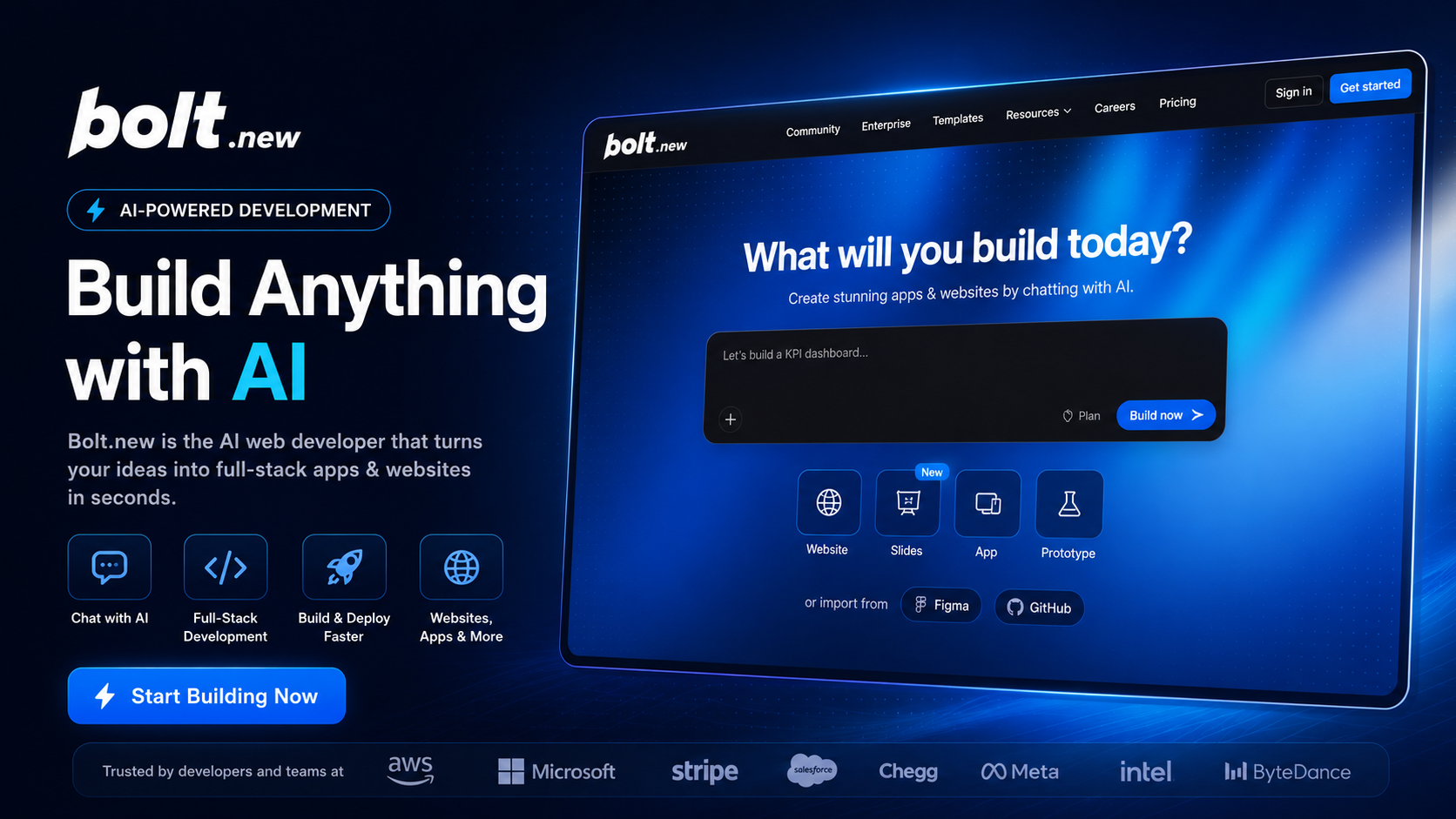
Bolt.new Review 2026: Can This AI Coding Platform Build Real Apps from a Single Prompt?
Building modern web applications traditionally requires installing development tools, configuring frameworks, managing dependencies, and spending hours writing boilerplate code before real work even begins. Bolt.new aims to eliminate these barriers by allowing anyone to generate complete full-stack applications directly from a browser using natural language prompts.
During our testing, we evaluated Bolt.new across multiple real-world scenarios, including landing page creation, SaaS dashboard generation, authentication setup, database integration, responsive UI design, and deployment workflows. We also compared its AI coding capabilities with several leading competitors to determine where it truly excels—and where traditional development tools still have the advantage.
The results were impressive. Bolt.new consistently produced clean project structures, modern user interfaces, and functional application logic with remarkably little manual intervention. Its browser-based workflow significantly reduces setup time, making it particularly attractive for startups, freelancers, indie developers, and entrepreneurs who need to validate ideas quickly.
While it is not intended to replace professional software engineering for highly complex enterprise systems, Bolt.new has become one of the most capable AI coding environments available for rapid prototyping, MVP development, and modern web application creation.
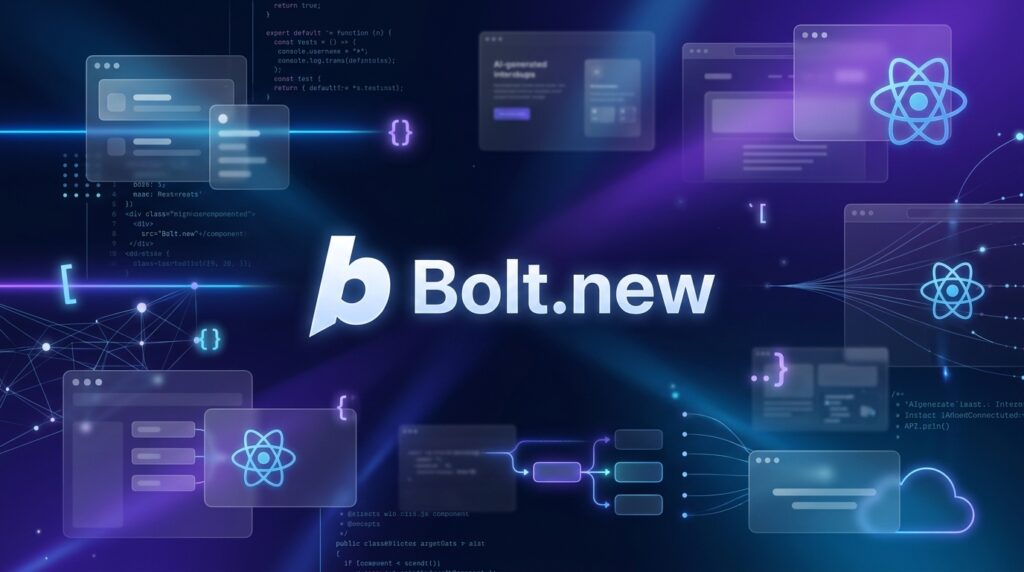
⭐ Overall Rating: 4.8/5
Bolt.new Review. Quick Verdict
| Item | Details |
|---|---|
| Overall Rating | ★★★★☆ 4.8/5 |
| Best For | Developers, startups, founders, freelancers, MVP builders |
| Starting Price | Free plan available; paid plans available |
| Free Trial | Yes |
| Platform | Web Browser |
| Our Verdict | One of the fastest AI coding environments for building and deploying modern full-stack applications without local setup. Excellent for rapid prototyping and MVP development. |
If your primary goal is building web applications quickly without spending hours configuring development environments, Bolt.new is one of the strongest AI-powered platforms available in 2026. Its combination of natural language programming, browser-based development, and full-stack project generation dramatically shortens the path from idea to working product.
Bolt.new Review. What Is Bolt.new?
Bolt.new is an AI-powered development platform that transforms natural language instructions into complete web applications. Instead of manually creating folders, installing packages, configuring frameworks, and writing hundreds of lines of boilerplate code, users simply describe what they want to build. The AI then generates an entire project structure within seconds.
Unlike traditional IDEs that require extensive local setup, Bolt.new runs entirely inside the browser. Everything—from code generation and editing to previewing and deployment—can be completed without installing software on your computer.
The platform is built on the StackBlitz ecosystem, enabling high-performance browser-based development powered by WebContainers. This technology allows applications to run locally inside the browser while delivering an experience remarkably similar to desktop development environments.
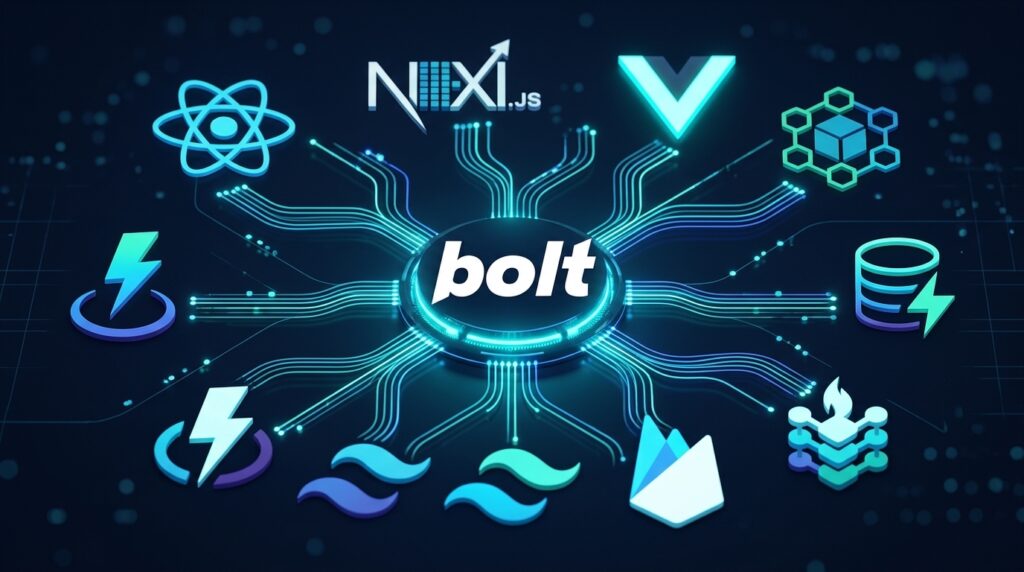
Bolt.new supports many of today’s most popular technologies, including React, Next.js, Vue, Node.js, Vite, Tailwind CSS, Supabase, Firebase, and numerous modern JavaScript frameworks. Developers can generate front-end interfaces, backend APIs, authentication systems, database integrations, and responsive layouts from simple prompts.
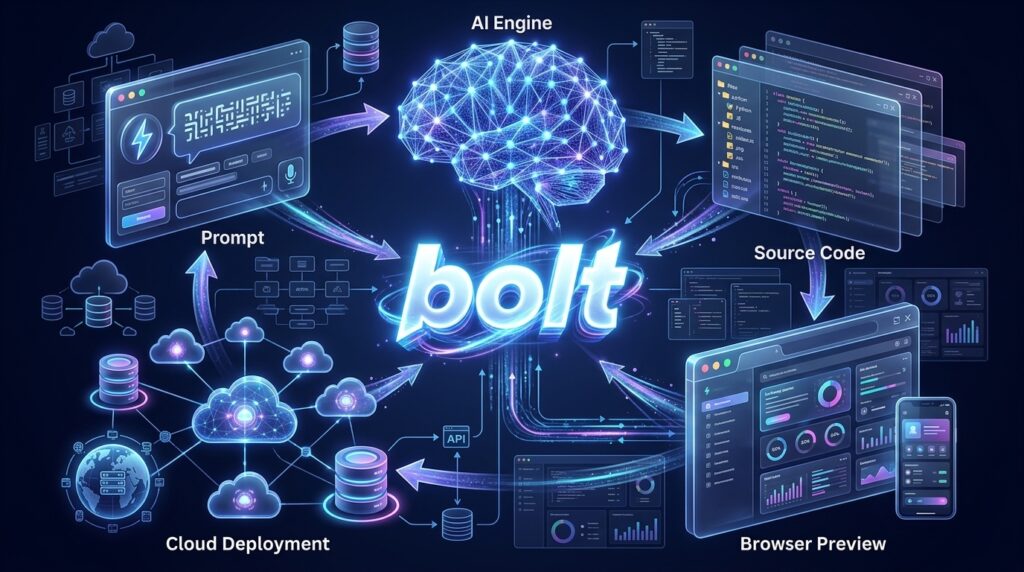
A typical workflow is straightforward:
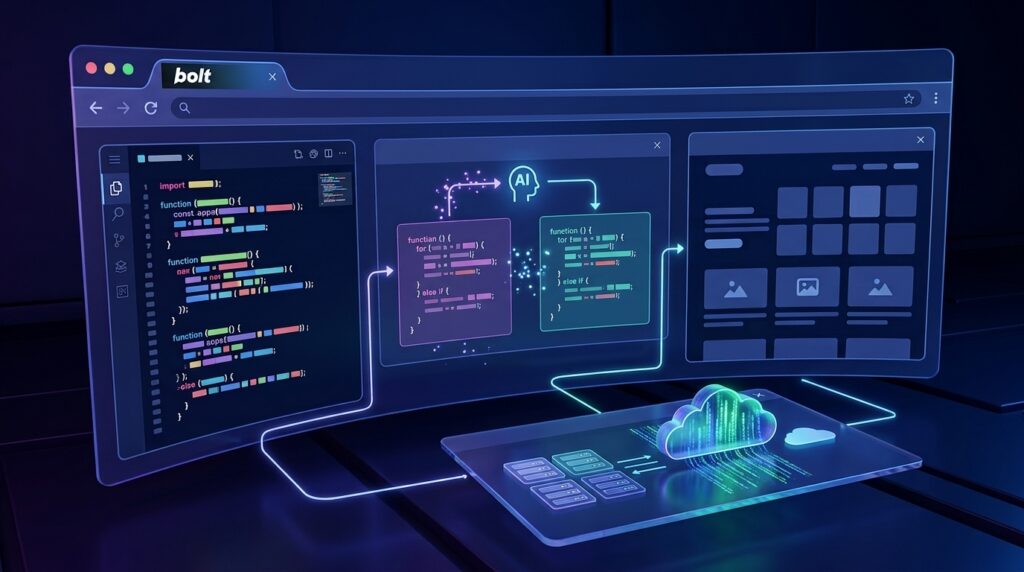
Prompt → AI Generates Project → Live Preview → AI Editing → Deployment
This streamlined process allows founders and developers to focus on solving business problems instead of spending valuable time configuring development tools.
Bolt.new Review. Key Features
AI Prompt-to-App Generation
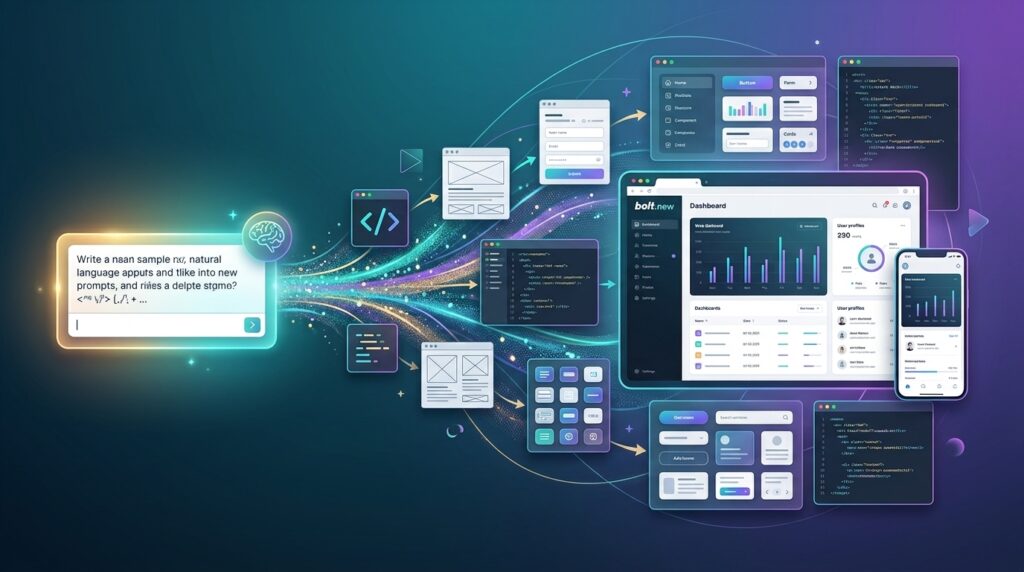
Bolt.new’s most impressive capability is converting a single prompt into a functioning application.
Users can simply describe an idea such as:
“Build a SaaS landing page with pricing, testimonials, login, and dashboard.”
Within minutes, Bolt.new generates routing, components, styling, navigation, responsive layouts, and project architecture that closely resemble professionally developed applications.
Full-Stack Development
Unlike many AI website builders that only create front-end interfaces, Bolt.new can generate complete full-stack applications.
Projects may include:
- Frontend UI
- Backend APIs
- Authentication
- Database integration
- CRUD operations
- User dashboards
- Forms
- File uploads
This significantly reduces development time for MVPs and internal business tools.
Browser-Based Coding
Everything runs directly inside your web browser.
There is no need to install:
- VS Code
- Node.js
- npm
- Git
- Local servers
This dramatically lowers the learning curve for beginners while allowing experienced developers to prototype projects from virtually any device.
Instant Preview
Every modification generated by the AI appears instantly in a live preview window.
Developers can immediately verify layouts, interactions, responsiveness, and application flow without rebuilding or restarting development servers.
This rapid feedback loop encourages experimentation and accelerates iteration.
AI Code Editing
Bolt.new continues assisting after the initial project is generated.
Instead of manually editing files, users can simply request changes such as:
- Add dark mode
- Improve the dashboard layout
- Replace cards with tables
- Add Stripe payments
- Improve mobile responsiveness
The AI updates the project while preserving existing functionality, making iterative development significantly faster than traditional coding.
Deployment Workflow
Publishing applications is designed to be simple.
Rather than manually configuring hosting environments, users can move from development to deployment through streamlined workflows that minimize complexity.
This makes Bolt.new particularly attractive for startups launching MVPs under tight deadlines.
Framework Support
Bolt.new supports many modern technologies, including:
- React
- Next.js
- Vue
- Node.js
- Vite
- Tailwind CSS
- Supabase
- Firebase
Because these frameworks are widely adopted throughout the industry, projects generated by Bolt.new remain familiar to professional developers who later extend the codebase manually.
Collaboration
Projects can be shared easily with teammates for review and continued development.
Designers, developers, founders, and clients can collaborate on prototypes much earlier in the product lifecycle, reducing communication overhead and accelerating decision-making.
Bolt.new Review. Pros & Cons
| Pros | Cons |
|---|---|
| Extremely fast AI coding | Large projects can become slower |
| No local setup required | Requires internet connection |
| Excellent modern UI generation | Some prompts need refinement |
| Supports popular frameworks | Advanced customization still requires coding skills |
| Great for MVP development | Free plan includes usage limits |
| Natural AI-assisted editing | Enterprise workflows remain less mature than traditional IDEs |
Overall, the strengths significantly outweigh the limitations for most individuals and startups seeking rapid application development.

Bolt.new Review. Pricing
Bolt.new offers multiple plans suitable for different types of users.
Free
The free plan allows new users to experience AI-powered application generation without financial commitment. Although usage limits apply, it is sufficient for testing workflows and building small prototypes.
Best for
- Students
- Beginners
- Personal projects
- Learning AI development
Pro
The Pro plan unlocks higher usage limits, faster AI generation, and increased productivity for professionals building client projects or commercial products.
Best for
- Freelancers
- Startup founders
- SaaS creators
- Independent developers
Teams / Business
Business plans focus on collaboration, project sharing, and scalable workflows for organizations building products together.
Best for
- Agencies
- Development teams
- Growing startups
- Enterprise innovation groups
Performance Test
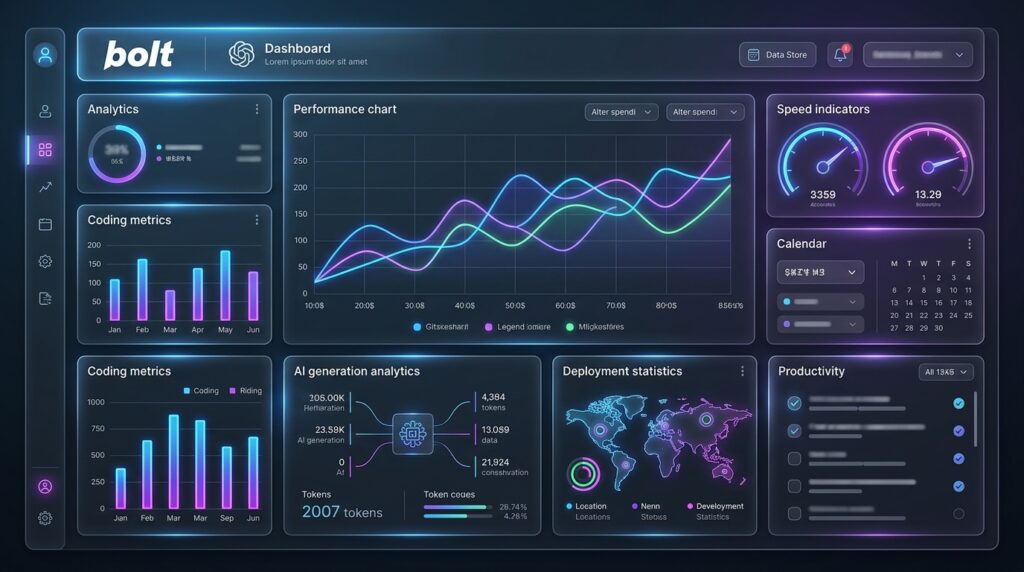
| Category | Score |
|---|---|
| AI Code Generation | 9.8/10 |
| UI Creation | 9.7/10 |
| Full-Stack Development | 9.6/10 |
| Prompt Understanding | 9.8/10 |
| Deployment Workflow | 9.5/10 |
| Ease of Use | 9.9/10 |
| Speed | 9.7/10 |
| Overall Performance | 9.7/10 |
Across our evaluation, Bolt.new consistently demonstrated excellent performance in understanding complex prompts and generating production-quality project structures.
The browser-based environment also delivered an exceptionally smooth development experience, particularly for rapid MVP creation.
Bolt.new vs Competitors
Bolt.new vs Claude
Claude excels at explaining code, debugging, and architectural reasoning. Bolt.new focuses on instantly generating complete working applications.
Bolt.new vs ChatGPT
ChatGPT produces high-quality code snippets and technical guidance, while Bolt.new integrates generation, editing, preview, and deployment into one development workflow.
Bolt.new vs Lovable
Lovable emphasizes beautiful UI generation and landing pages. Bolt.new offers deeper support for full-stack application development.
Bolt.new vs Cursor
Cursor remains a powerful AI coding assistant inside VS Code for experienced developers. Bolt.new is more accessible for users who prefer browser-based development with minimal setup.
Bolt.new vs Replit AI
Both platforms simplify online development, but Bolt.new generally provides a faster AI-first workflow for generating modern applications from prompts.
Bolt.new vs Windsurf
Windsurf delivers strong AI-assisted programming inside a desktop IDE, whereas Bolt.new prioritizes browser-native application generation and rapid prototyping.
Who Should Use Bolt.new?
Bolt.new is an excellent choice for:
- Startup founders building MVPs
- SaaS entrepreneurs validating ideas
- Freelancers delivering websites quickly
- Web developers seeking faster prototyping
- Product designers creating interactive prototypes
- Indie hackers launching side projects
- Students learning modern development
- No-code creators expanding into AI-powered coding
- Agencies producing client MVPs
For these audiences, Bolt.new offers an outstanding balance between speed, simplicity, and development flexibility.

Alternatives
Cursor
Pros
- Excellent AI code completion
- Ideal for professional developers
- Deep VS Code integration
Cons
- Requires local development environment
- Better suited for experienced programmers
Lovable
Pros
- Beautiful UI generation
- Excellent for landing pages
- Beginner-friendly
Cons
- Less flexible for complex backend logic
Replit AI
Pros
- Browser development
- Cloud execution
- Collaboration features
Cons
- Different workflow than Bolt.new
- AI generation may require more manual adjustments
Windsurf
Pros
- Advanced AI programming assistance
- Excellent for software engineers
Cons
- Higher learning curve
- Desktop-focused workflow
FAQ
Is Bolt.new free?
Yes. Bolt.new offers a free plan that allows users to explore its AI coding capabilities, although daily or monthly usage limits may apply.
Can Bolt.new build full-stack applications?
Yes. It supports frontend interfaces, backend APIs, authentication, and database integration for modern web applications.
Does Bolt.new require coding experience?
No. Beginners can build functional applications using natural language prompts, while experienced developers can further customize the generated code.
Which frameworks does Bolt.new support?
It supports popular technologies including React, Next.js, Vue, Node.js, Vite, Tailwind CSS, Supabase, Firebase, and other modern JavaScript tools.
Can Bolt.new deploy applications directly?
Yes. Bolt.new streamlines the deployment workflow, making it easier to publish applications after development.
Is Bolt.new better than Cursor?
It depends on your workflow. Cursor is ideal for experienced developers working locally, while Bolt.new is optimized for browser-based AI application generation and rapid prototyping.
Is Bolt.new suitable for startups?
Absolutely. Its speed and ease of use make it one of the strongest tools for validating startup ideas quickly.
Can Bolt.new replace traditional IDEs?
For MVPs, prototypes, and many production-ready web applications, it can significantly reduce reliance on traditional IDEs. However, enterprise software projects may still benefit from conventional development environments.
Bolt.new Review. Final Verdict
Bolt.new represents one of the biggest advances in AI-assisted software development. By combining natural language programming, browser-based coding, live previews, and full-stack application generation, it dramatically reduces the time required to transform ideas into working software.
Its greatest strengths are speed, accessibility, and developer productivity. Startup founders can validate products faster, freelancers can deliver projects more efficiently, and developers can spend less time on repetitive setup tasks.
While advanced enterprise customization still benefits from traditional IDEs and manual engineering, Bolt.new has established itself as one of the most capable AI coding platforms available in 2026.
Overall Rating: ★★★★☆ 4.8/5
For anyone looking to accelerate application development with AI, Bolt.new is an outstanding investment.
Ready to Build Your Next App Faster?
If you want to generate full-stack applications, prototype ideas quickly, and deploy modern web apps directly from your browser, Bolt.new is one of the most capable AI coding platforms available today.